
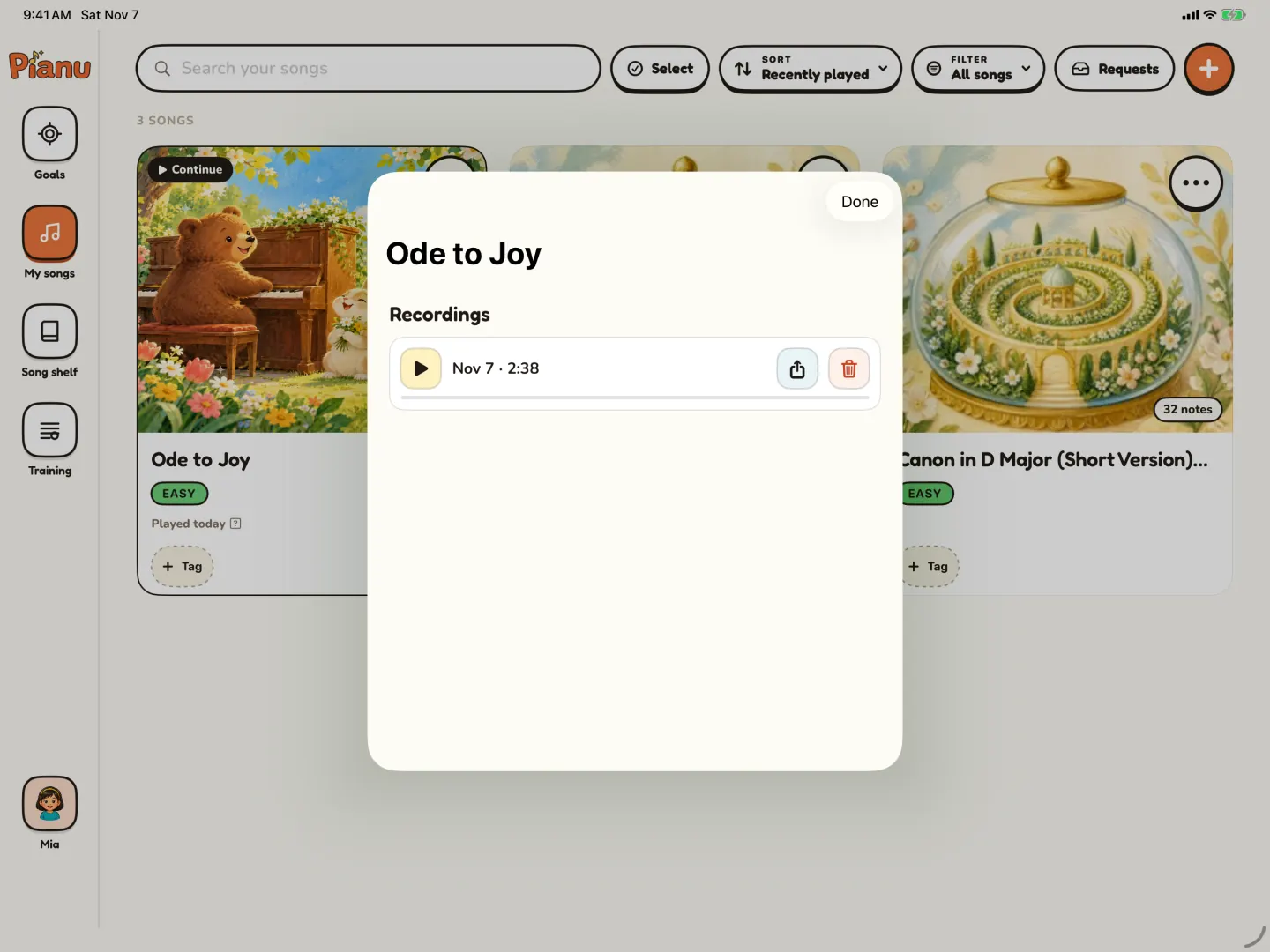
Recording your child's piano practice lets them hear their own playing, which is hard to do while the hands are busy. Takes from different weeks also show progress that is easy to miss day by day. This guide explains why recording helps, when to record, and how to save, play back and share a take in Pianu.
Why does hearing your own playing help?
While a child plays, most of their attention goes to the keys and the score. There is little left to hear how the music sounds. When they listen to a take afterwards, they can hear the whole song at once, from the outside.
Many children notice things in a recording that they do not notice while they play. A stop before a hard note. A long note that was too short. A part that sounded really good. When your child finds these things themselves, they often care more about them than when a grown-up points them out.
What can a recording show?
A recording is useful for more than finding mistakes:
- Progress. Takes from two weeks apart show how far your child has come. On a hard day, this can help a lot.
- A finish line. A good take of a finished song is something your child can keep.
- A message to the teacher. The teacher can hear how the week went before the next lesson.
- A gift for the family. Grandparents and family far away can hear the new song.
- A small concert. Playing for the recording feels a little like playing for an audience. It is a safe way to practice that feeling.
When should we record?
Not every practice needs a recording. Pick moments that tell a story:
| When to record | What to listen for later |
|---|---|
| The first day with a new song | Where the song stops, and which parts are hard |
| Before you work on a hard bar | The place that goes wrong, for comparison later |
| At the end of the week | What got better since the first day |
| The day before a lesson | What to show or ask the teacher |
| When the song is finished | The whole song, from the first note to the last |
The take from the first day is easy to forget, but it often becomes the most useful one. It is your "before" picture.
How do we record a take in Pianu?
In Pianu, you can save a take, play it back and share it. Record is in the Practice toolbar, with Listen, Loop and the tempo.
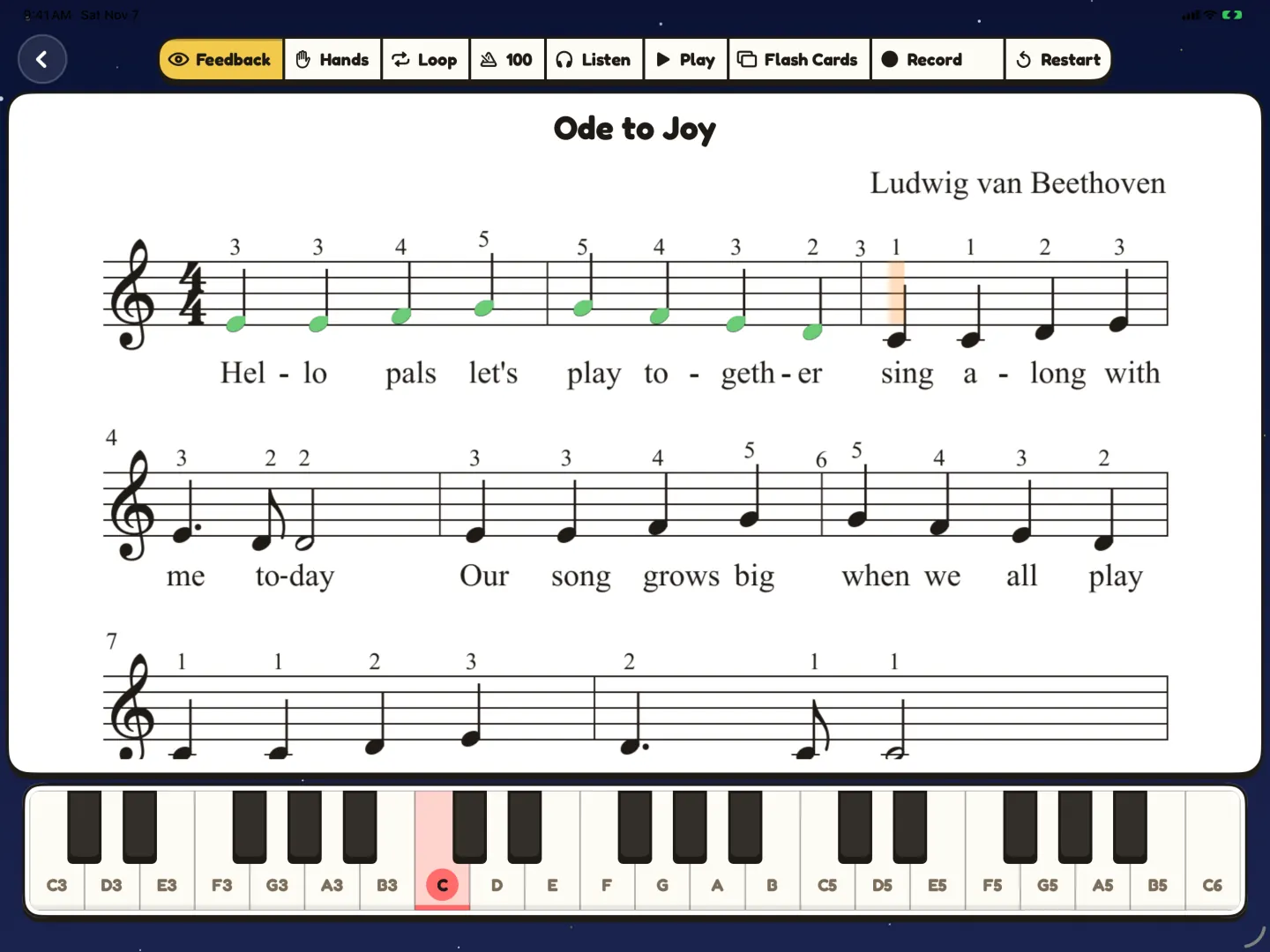
- Open the song, and choose the part to play.
- Tap Record, let your child play, and save the take.
- Open the list of recordings for the song.
- Each take shows its date. Tap play to hear it.
- Use the share button to send it, for example to the teacher. Use the delete button for a take you do not want to keep.
The picture at the top of this post shows the Recordings list for a song, with one saved take and its play, share and delete buttons.
For the idea of a take before and after work on one bar, read how to fix the one hard bar.
How do we listen back without making it a test?
The way you listen back matters as much as the recording. A few ideas:
- Listen together. Sit next to your child and play the take.
- Start with the good. Ask, "Which part do you like best?" Let your child answer first.
- Find one thing. Ask, "Is there one place you want to make better?" One thing is enough.
- Compare, do not judge. Play an older take, then the new one. Ask what changed.
- End with a plan. Choose the bar to practice next, then go back to the keys.
Keep the tone light. The goal is for your child to hear their own music, not to hear a list of mistakes. If your child does not want to listen today, that is fine. Try again another day.
How do recordings fit with a finished song?
A finished song is a good time for a "concert take". Your child plays the whole song, from start to end, and you save it. When the song is finished in Pianu, your child also gets a reward screen, with how many notes were right.
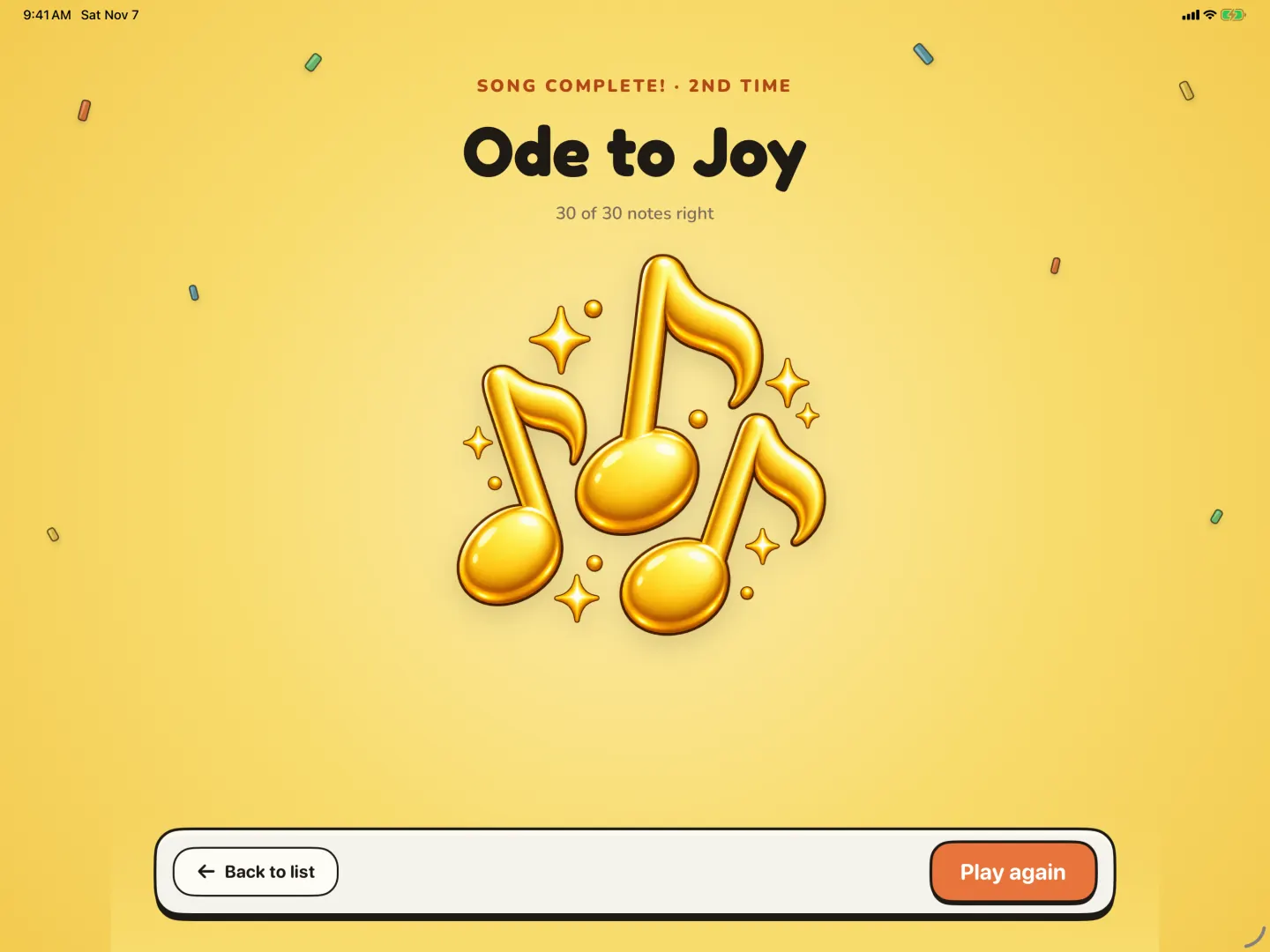
Together, the take and the reward make the finish feel real. Your child can play the take for the family later, and hear what they achieved.
Share recordings only with people you choose, such as the teacher or close family. A recording of a young child is personal, so keep it within the family circle.
If a take shows one bar that keeps going wrong, read how to fix the one hard bar. To see all the practice tools in one place, read about piano practice for kids on iPad.
Read more: Practice guide
Questions parents ask
How often should we record?
Not every day. Once or twice a week is often enough, and when a song is finished. Too many takes are hard to compare.
Should we record the whole song or one part?
Record the part your child is working on. When the song is done, record the whole song as a small concert.
My child gets nervous when we record. What can I do?
Make it a game, not a test. Say that you can always record again. Start with a song your child already plays well.
Can I delete a take?
Yes. In the song's list of recordings, each take has a delete button next to play and share.
Try Pianu free for 7 days.
Try free for 7 days