
Scan, check, then practice
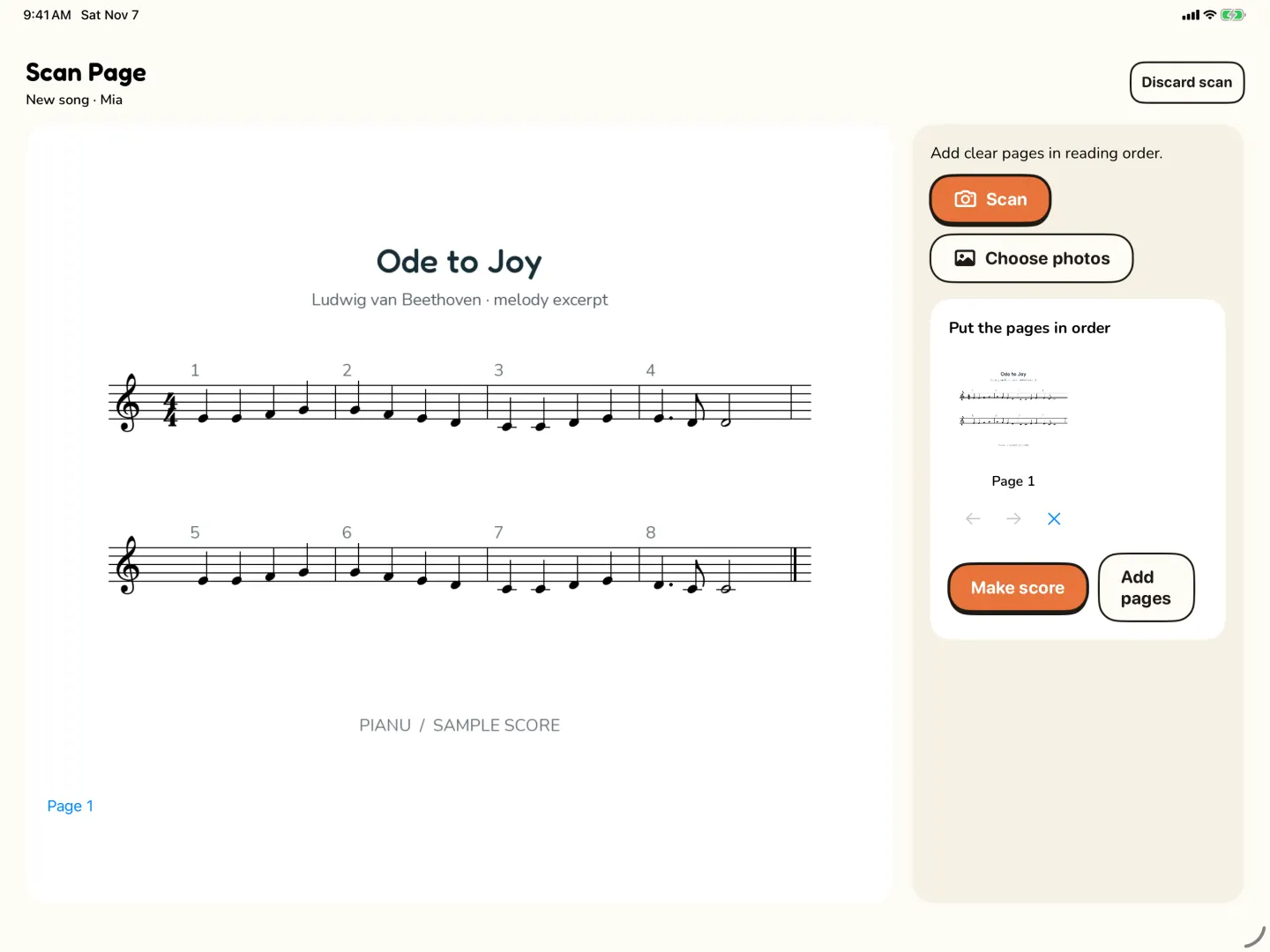
- In Scan Page, take a photo or choose one from Photos. Use a printed page.
- Add more pages if the piece has them. Add them in reading order.
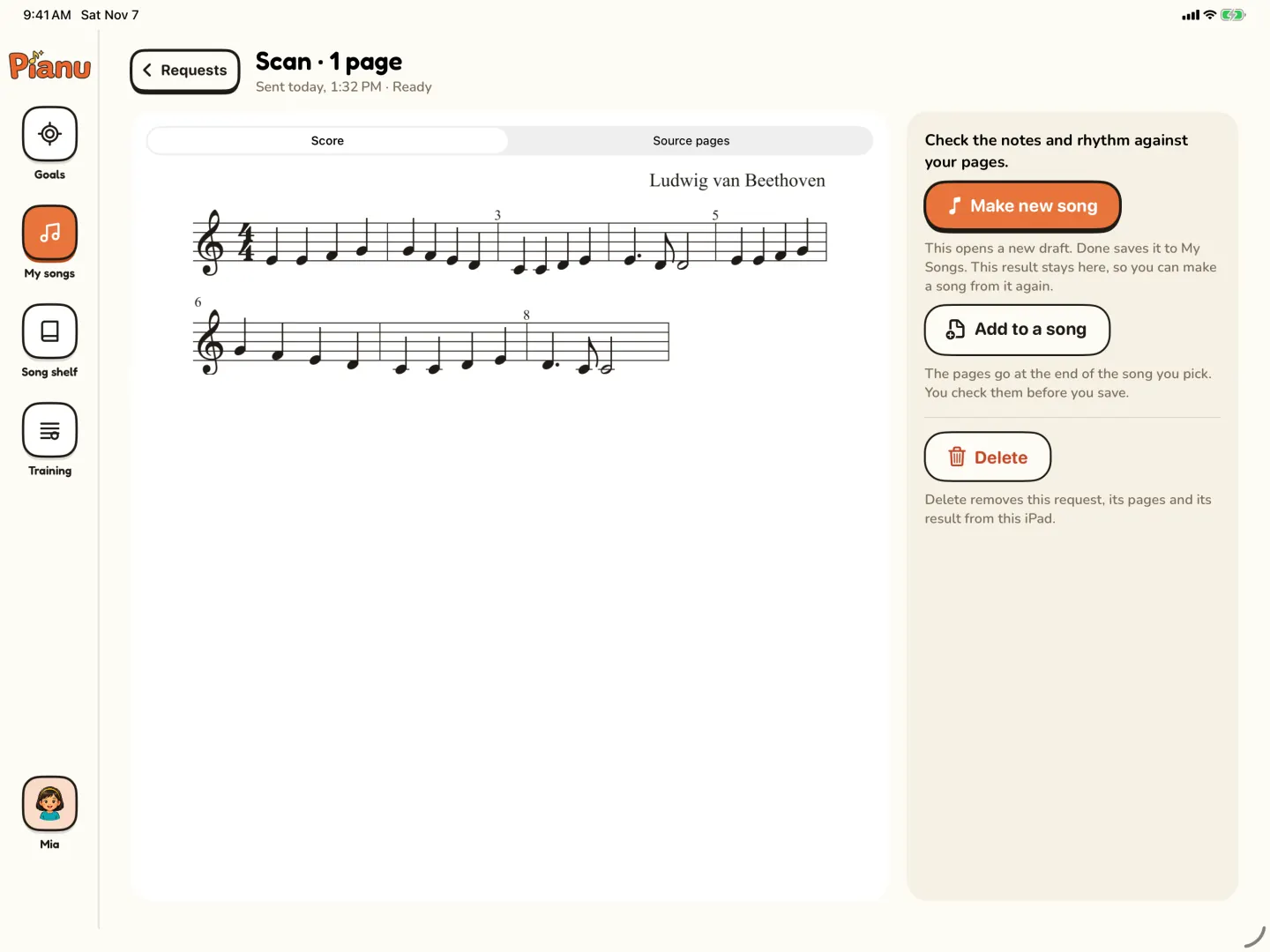
- Let Pianu read the notes into a song. You can keep using Pianu while it works. The result arrives in Requests in My Songs.
- Check the notes against the original. Correct what is wrong in the editor.
- Start Practice on iPad.
These screens are a prepared sample
The scan screens on this page are a prepared sample, not a live scan. Pianu does not promise to read every page, handwriting or every layout. A scan is a starting point. Check the score before a child practices it.
No printed page?
Import a MusicXML file instead. You can also write a score in the editor, and export it as MusicXML.
Pianu Pro
Try Pianu free for 7 days, then $6.99 a month or $59.99 a year.
- Goals, Practice and Training for every learner
- My Songs and the full Song Shelf
- Scan, Finger numbers, Lyrics, covers and Chat
- Up to 6 learners, on iPad and the parent iPhone
Setup asks a grown-up to sign in. See the plan.
Your scan photo and Chat images
The score transcription service processes a scan photo to read the music. Images sent through Chat are also part of saved Chat history on the device. Read Privacy for the different data flows.
Questions parents ask
Can Pianu scan any sheet music?
No. Scans can contain errors, and handwriting or some page layouts may not read well. Always check and correct the notes before practice.
Can I scan more than one page?
Yes. Add the pages in reading order in Scan Page.
What if the notes are wrong?
Correct them in the editor before your child practices. You can compare the song with the original page.
Can I use a file instead of a photo?
Yes. Import a MusicXML file, or write a score in the editor. You can also export a song as MusicXML.
Do I need Pianu Pro to scan?
Scan is part of Pianu Pro. It starts with 7 days free.
Read more on the blog
Keep exploring
Try Pianu free for 7 days.
Download on the App StoreBy the Pianu team · Reviewed .