
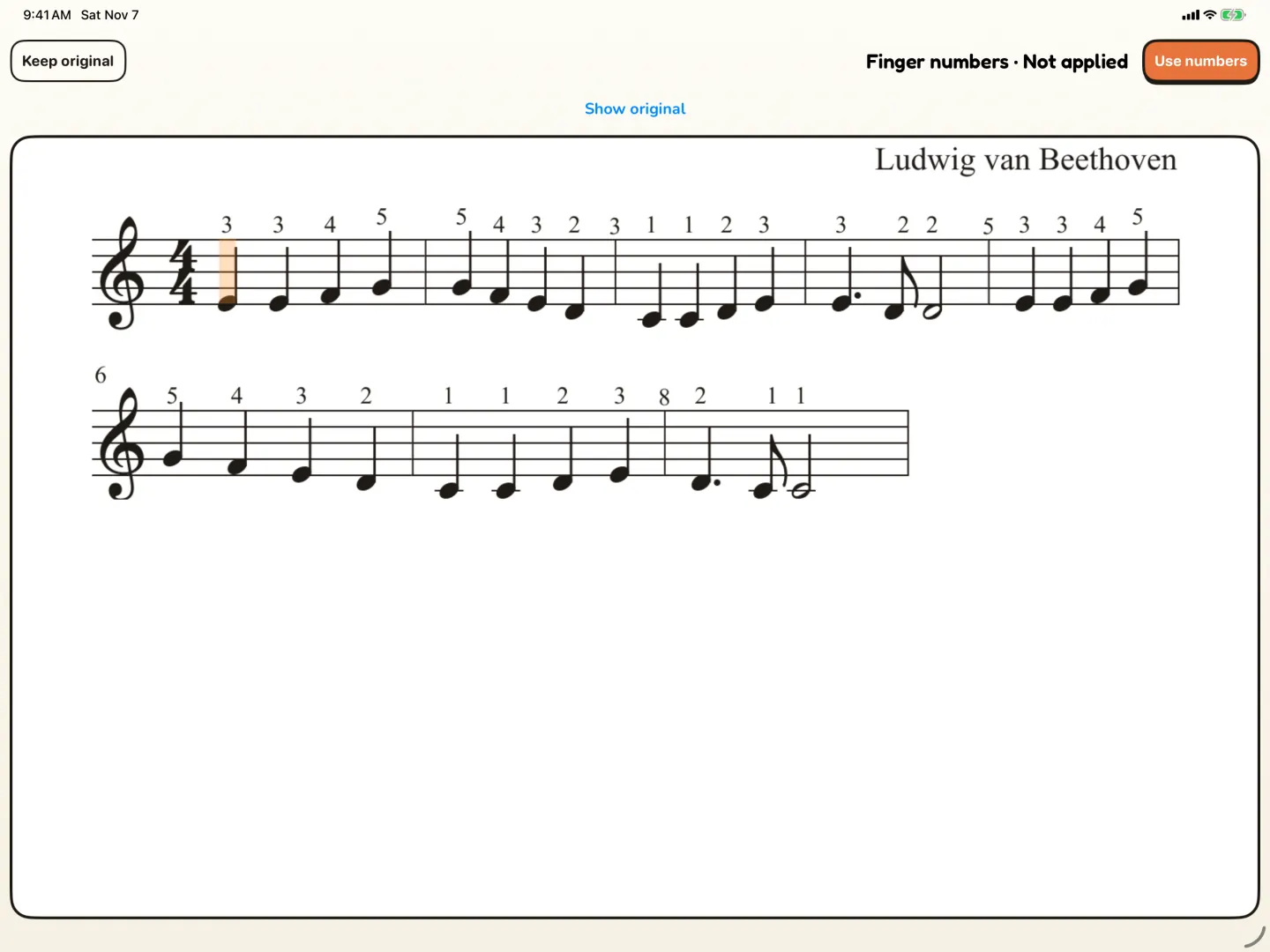
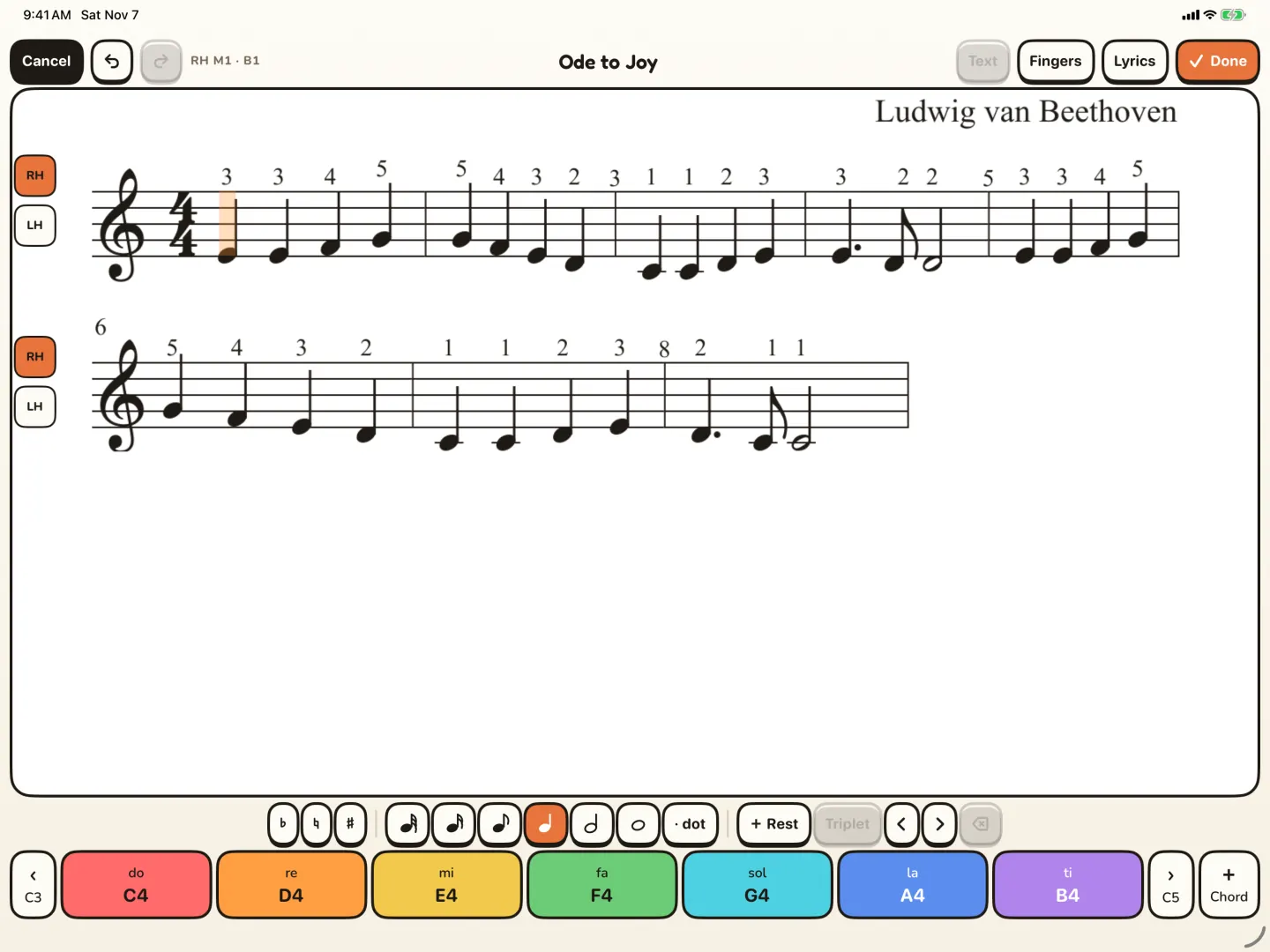
From suggestion to practice
- Open the song on iPad and ask for finger numbers.
- Keep using Pianu while it works. The result arrives in Requests in My Songs.
- Review the suggestions and compare them with your own.
- Check them with your child's teacher.
- Choose Use numbers. The numbers show in the score for practice.
Suggestions, not rules
The numbers are suggestions. Your child's teacher knows their hands best. Choose Keep original if you prefer the numbers you had. The screens on this page are a prepared sample.
Pianu Pro
Try Pianu free for 7 days, then $6.99 a month or $59.99 a year.
- Goals, Practice and Training for every learner
- My Songs and the full Song Shelf
- Scan, Finger numbers, Lyrics, covers and Chat
- Up to 6 learners, on iPad and the parent iPhone
Setup asks a grown-up to sign in. See the plan.
Questions parents ask
What are piano finger numbers?
Numbers above the notes that say which finger to use. 1 is the thumb and 5 is the little finger.
Does Pianu choose the fingering for my child?
It suggests finger numbers. You review them, check them with the teacher, and then choose Use numbers.
Can I keep the numbers I already have?
Yes. In the review, choose Keep original.
Where do I see the numbers?
In the score, on iPad, when your child practices.
Do I need Pianu Pro for finger numbers?
Finger numbers are part of Pianu Pro. It starts with 7 days free.
Read more on the blog
Keep exploring
Try Pianu free for 7 days.
Download on the App StoreBy the Pianu team · Reviewed .