
Know which finger goes where
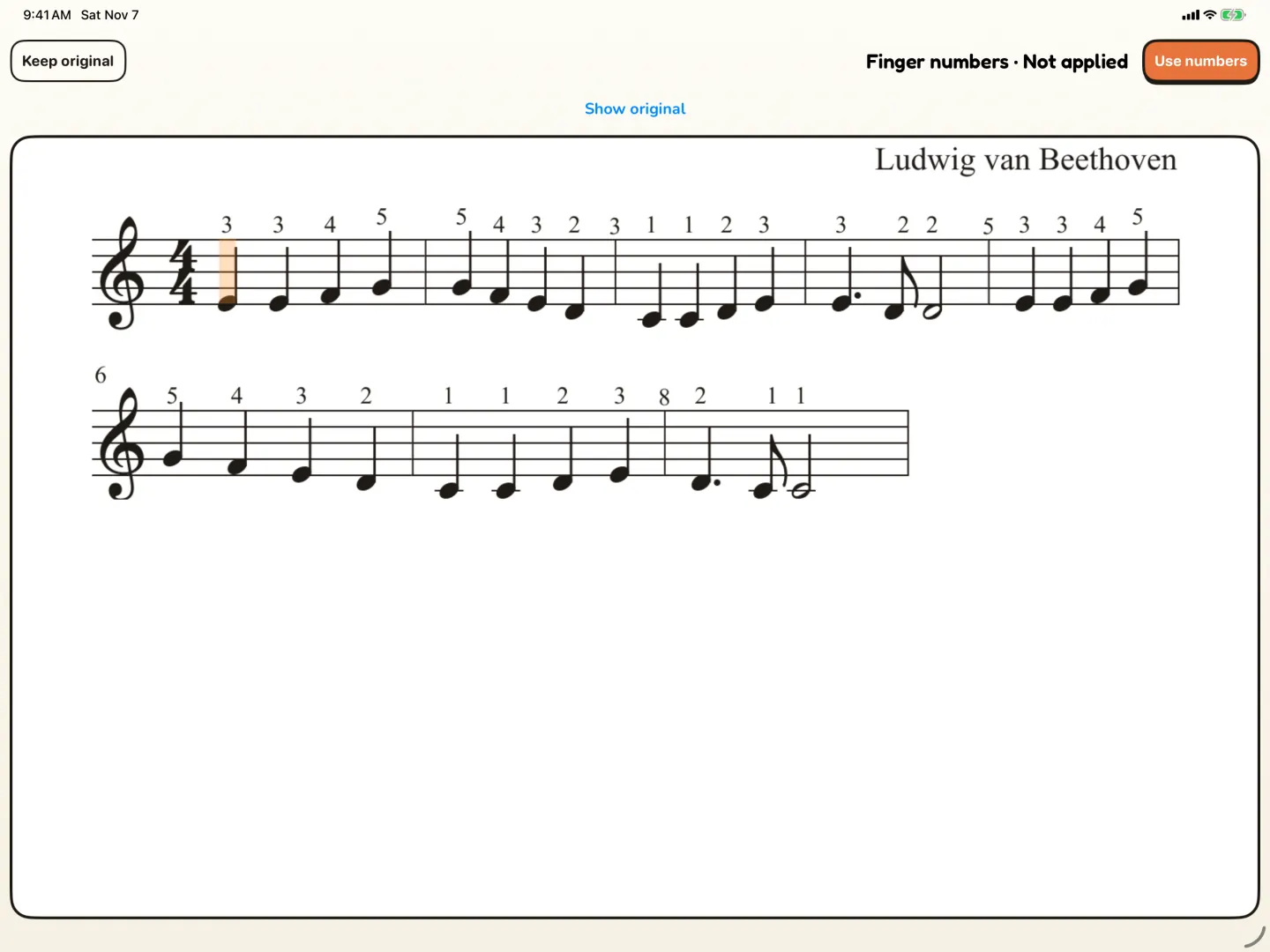
Pianu suggests finger numbers for the score. Check them with the teacher, then use them.
Scan the piece their teacher assigned. Pianu makes it easier to practice, and more fun to keep going, until the last note.
7 days free, then $6.99 a month or $59.99 a year.
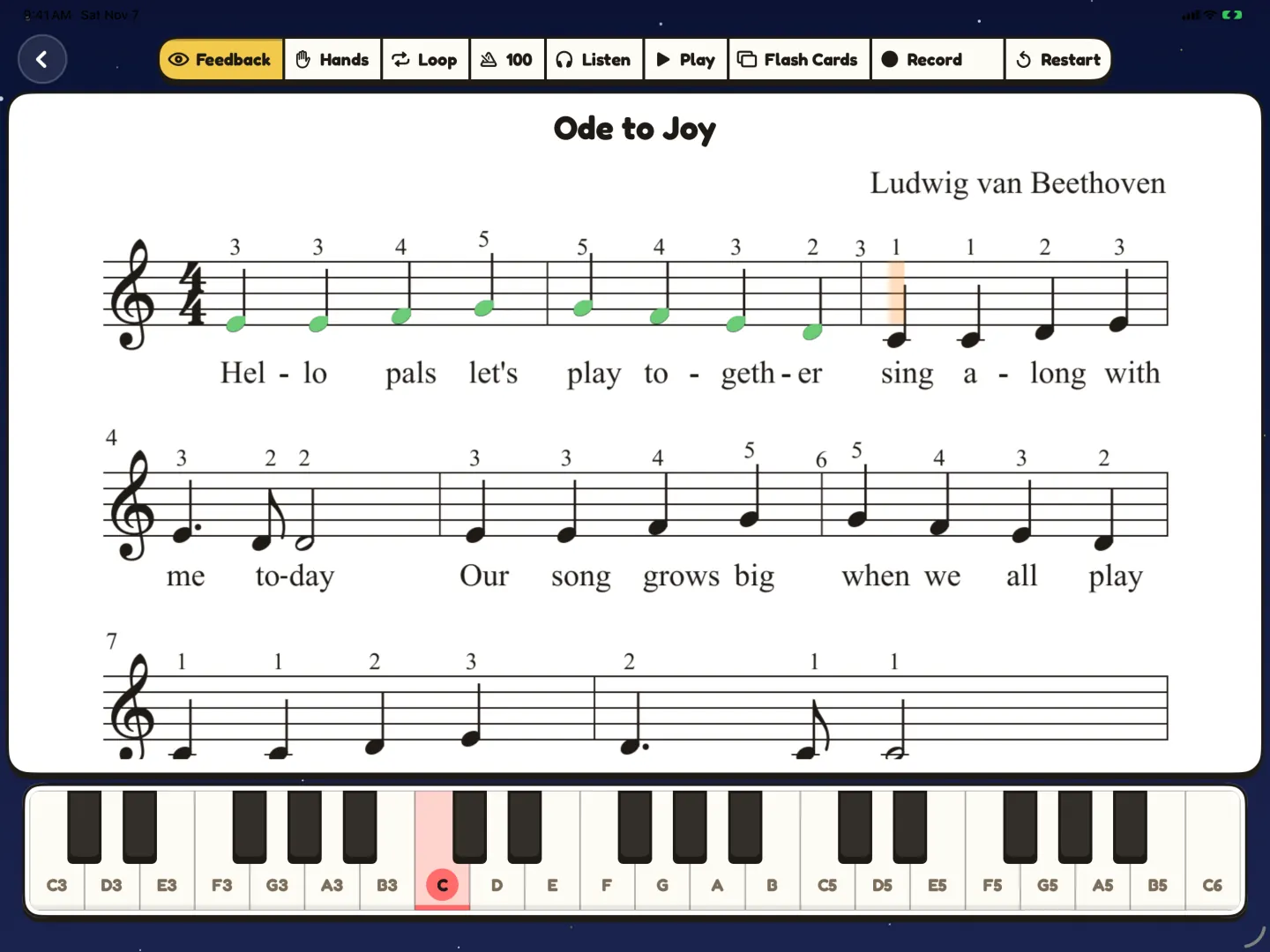

Scan a lesson page, add finger numbers, make a cover and lyrics, play the whole song with feedback, and earn a reward. Turn on the sound.
Scan it
Take a photo of the page their teacher assigned. Pianu reads the notes into a song. Check and correct the notes, then practice.
A photo of the page
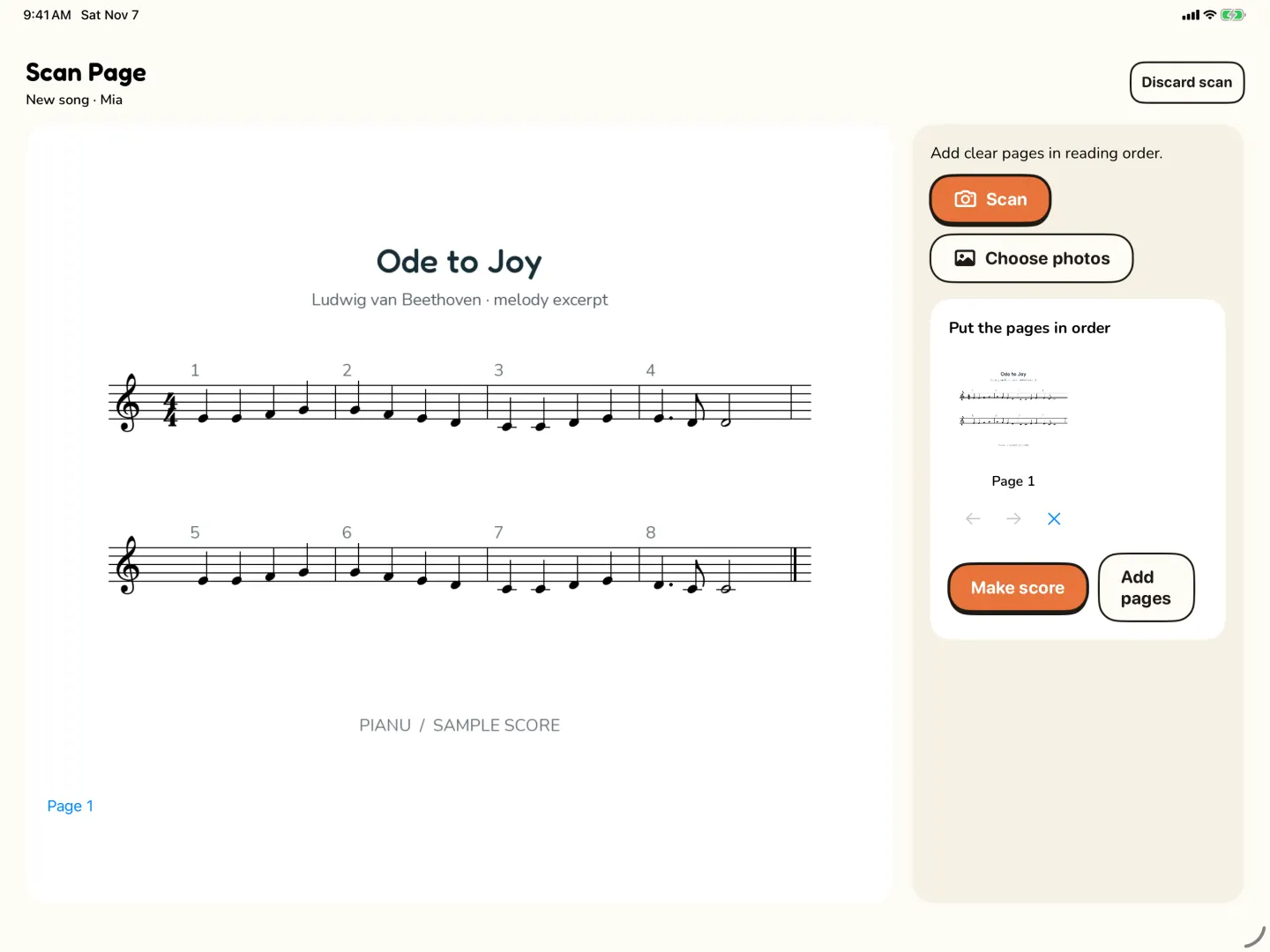
The notes, ready to check
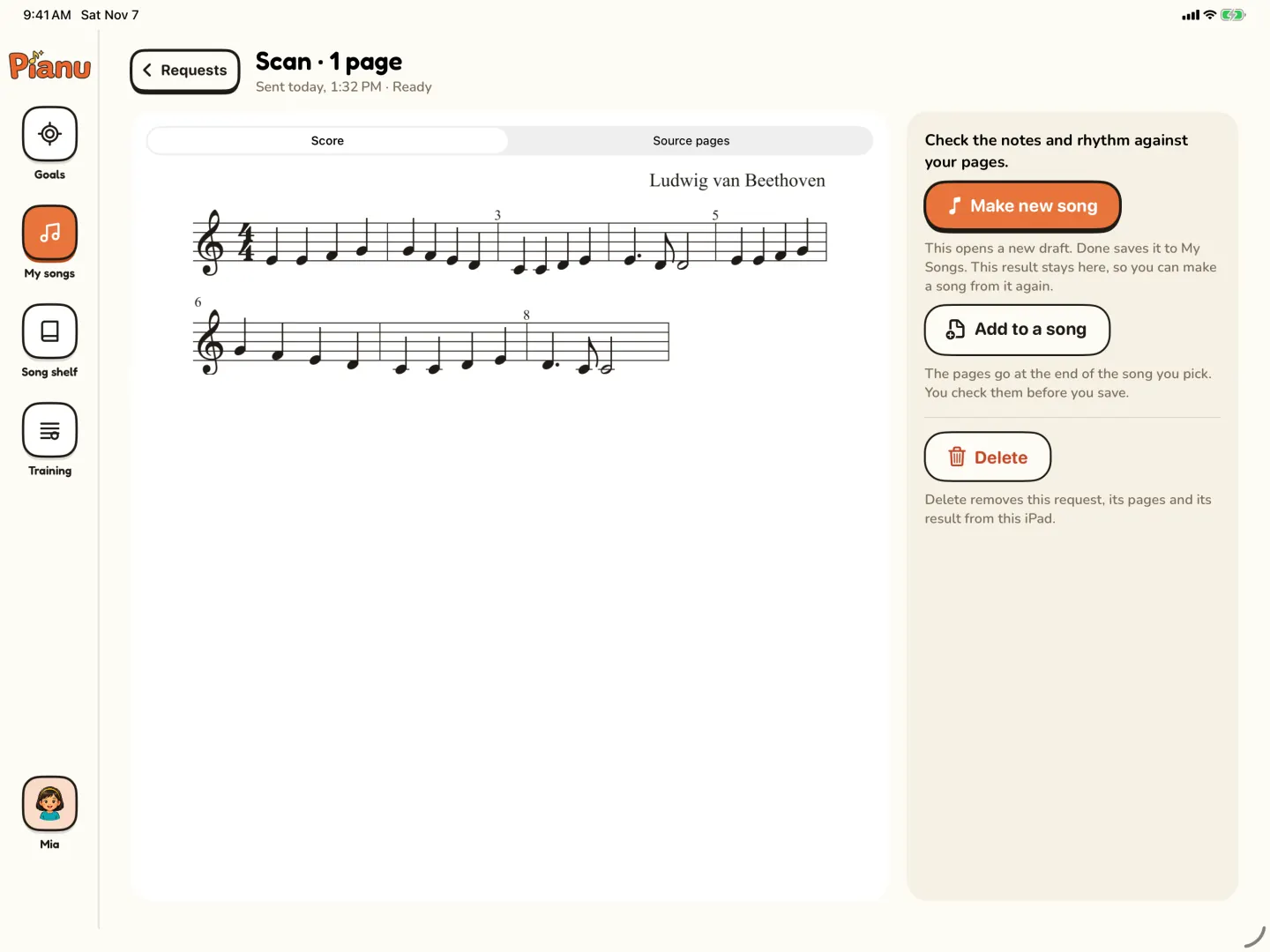
Make practice easier
Every tool works on the song you scanned. Your child plays with a MIDI piano or the on-screen keys.
Pianu suggests finger numbers for the score. Check them with the teacher, then use them.
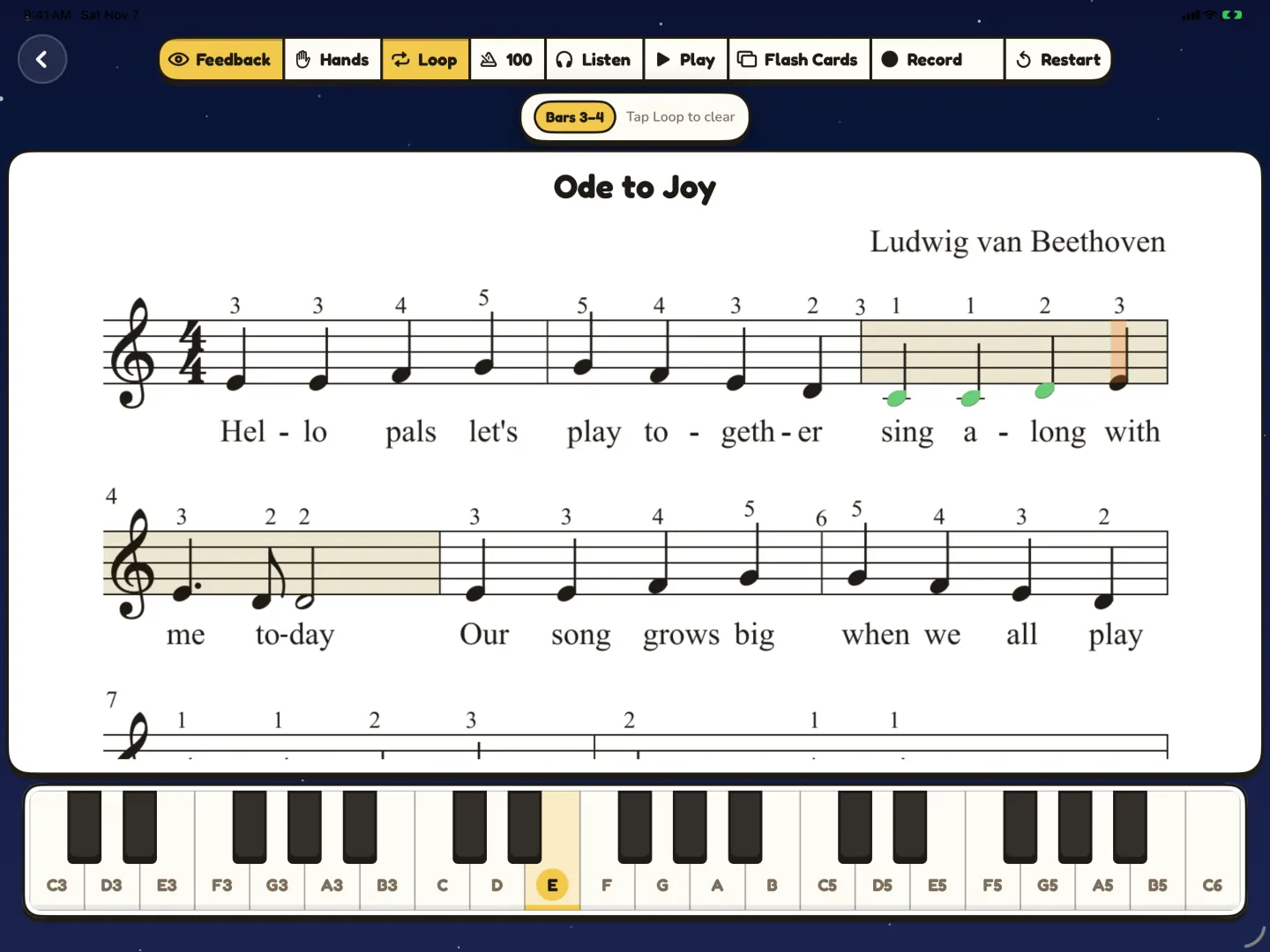
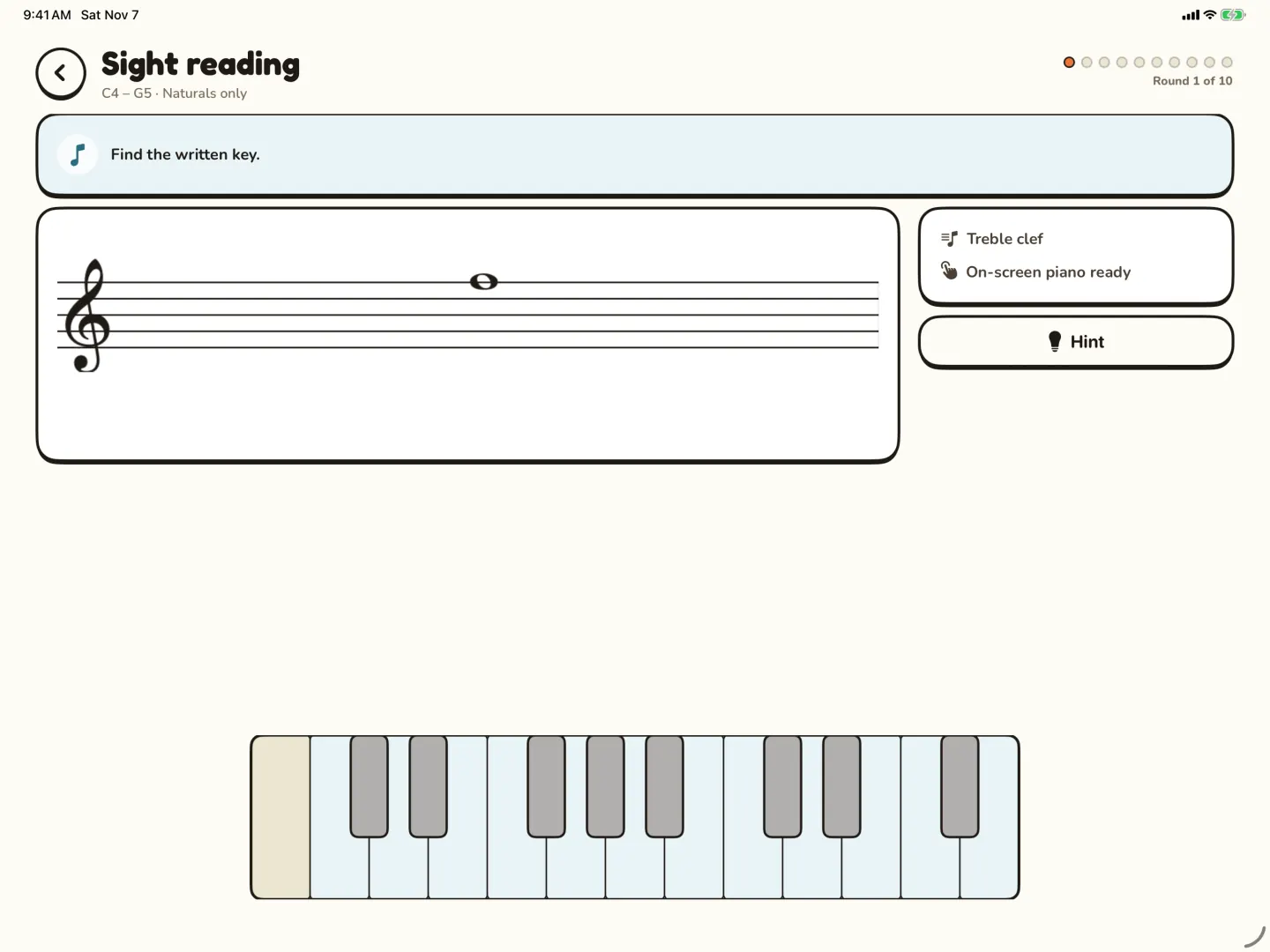
Each note turns green when it is played right. Pianu waits for the correct note.
Loop the bar that keeps going wrong. Slow the tempo, or practice one hand while Pianu plays the other.
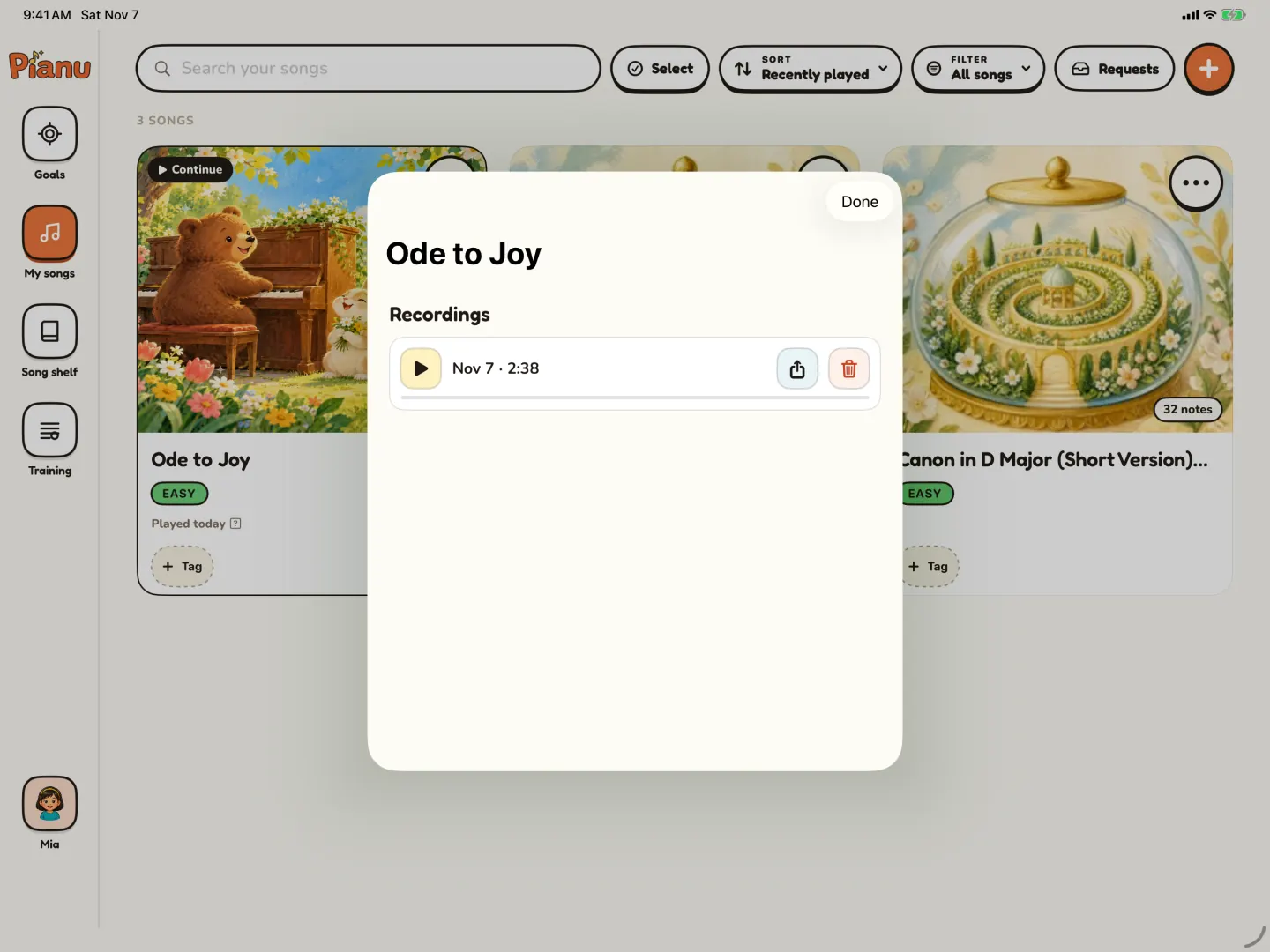
Save a take and play it back. Share it with the teacher.
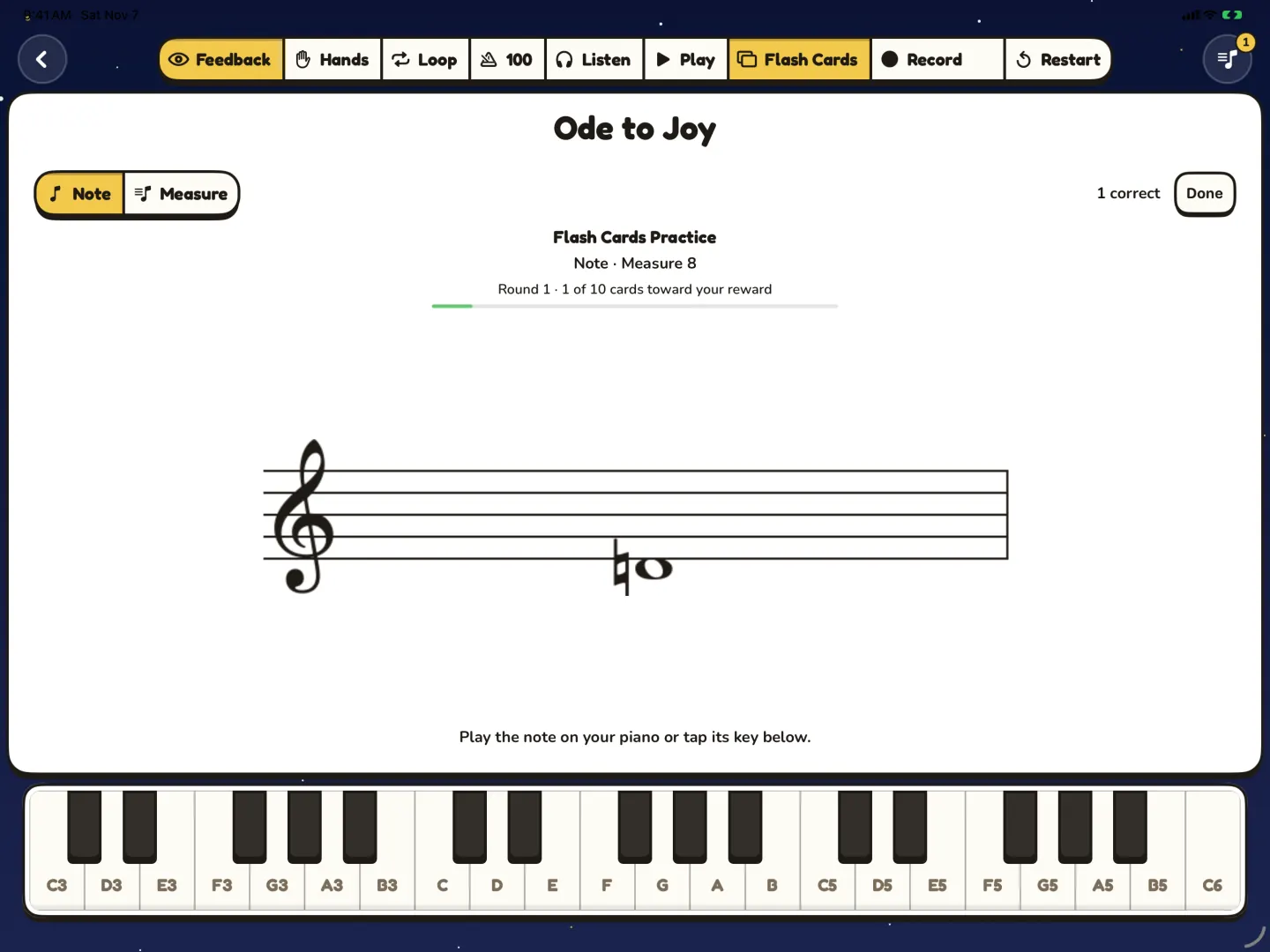
The cards come from the song's own notes and bars. There is no timer.
Make practice longer
When a song feels like their own, they want to play it again tomorrow.
Describe a scene. The song gets its own picture.
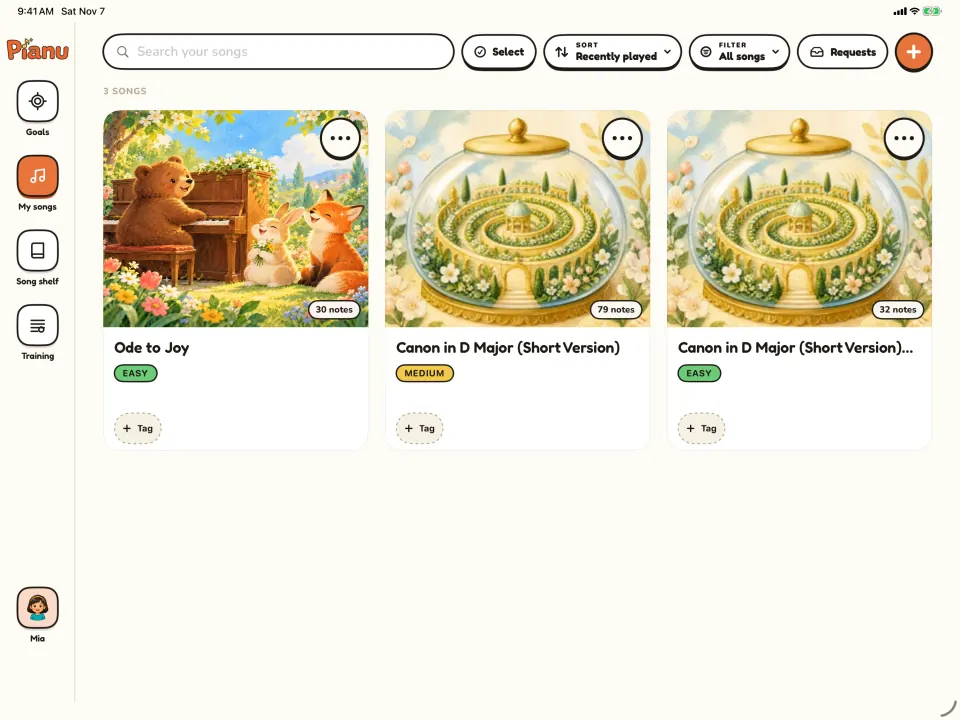
Words that fit the melody, one syllable per note.
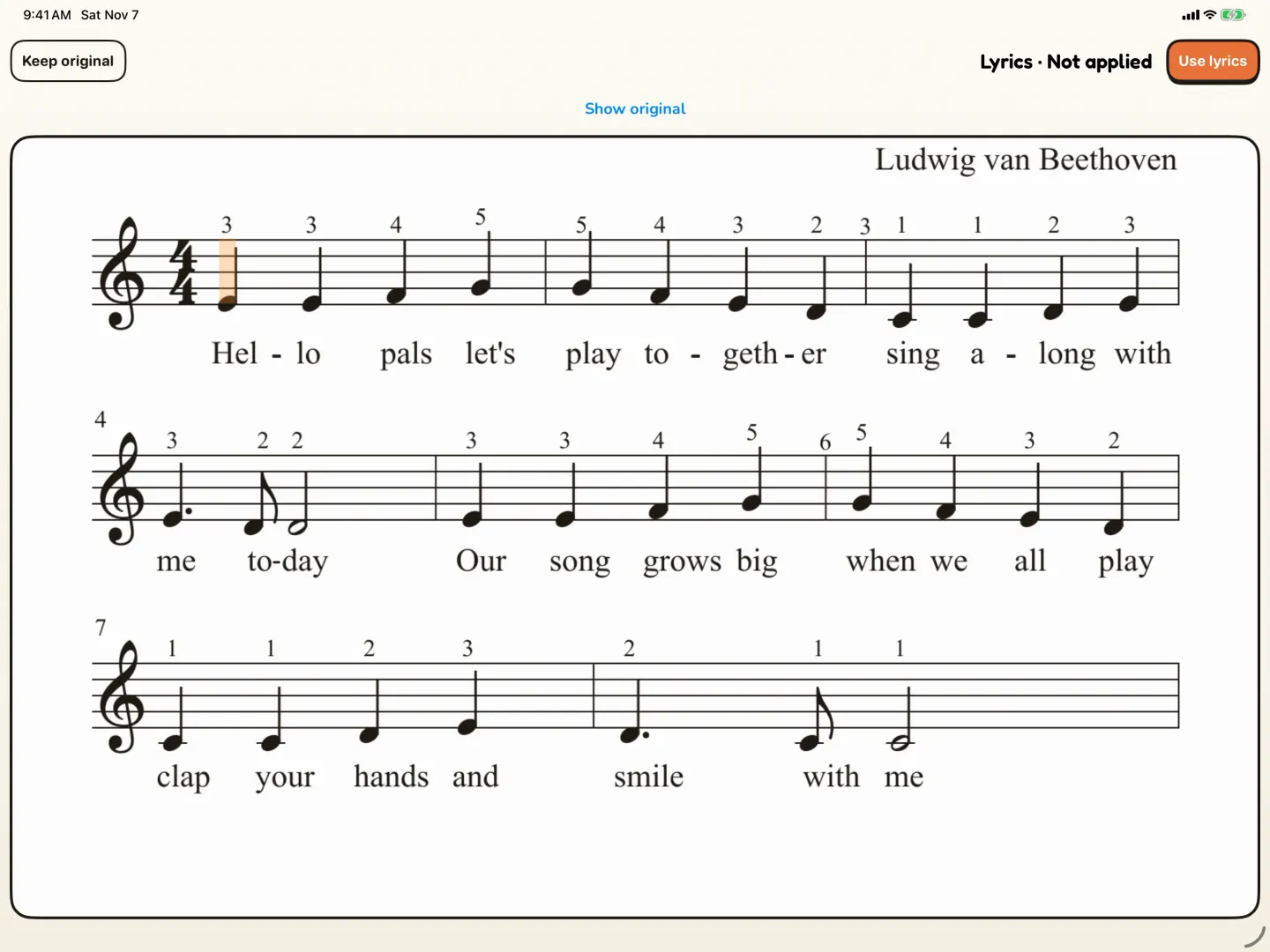
11 completion artwork sets and 3 reward levels.
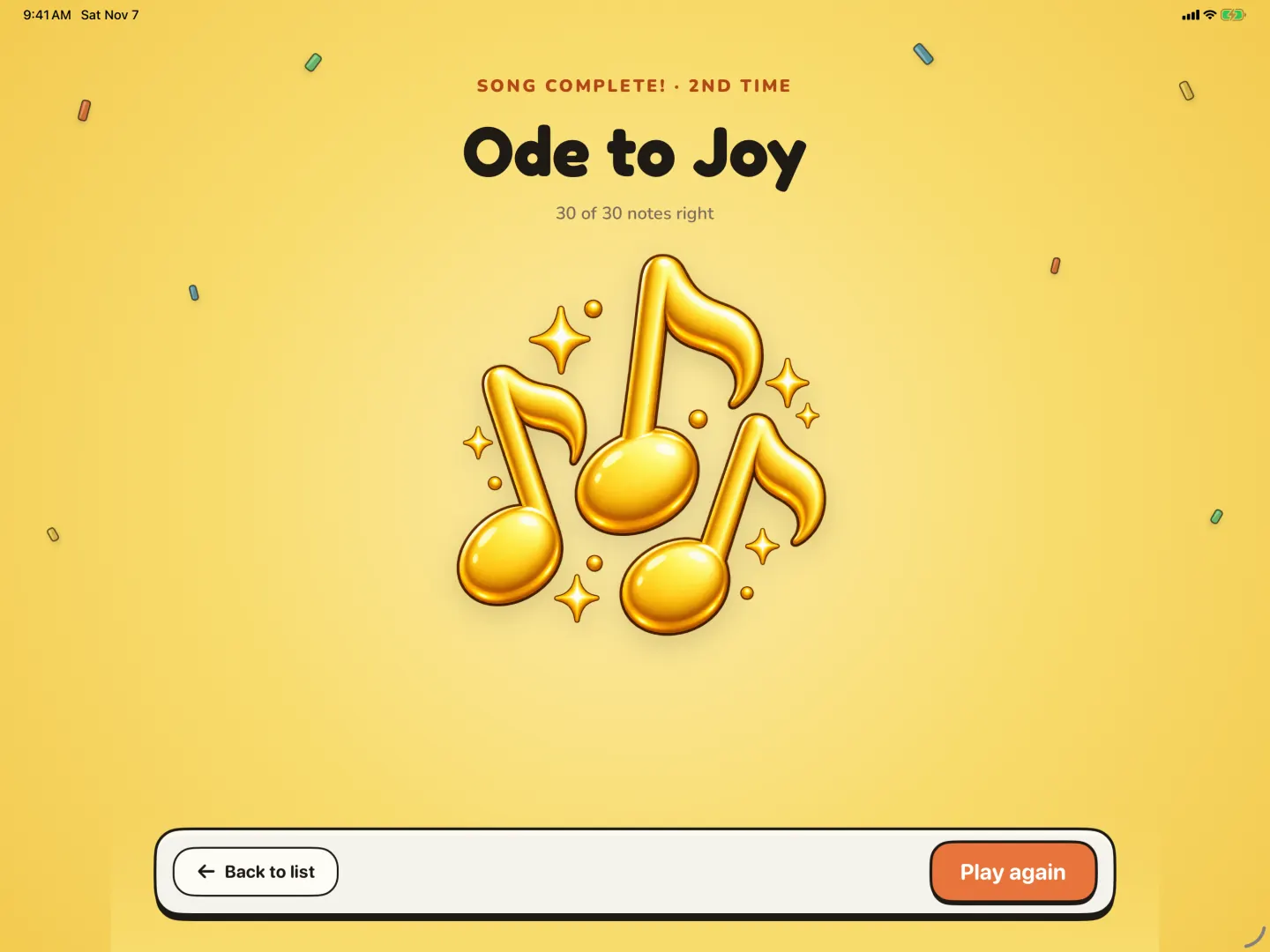
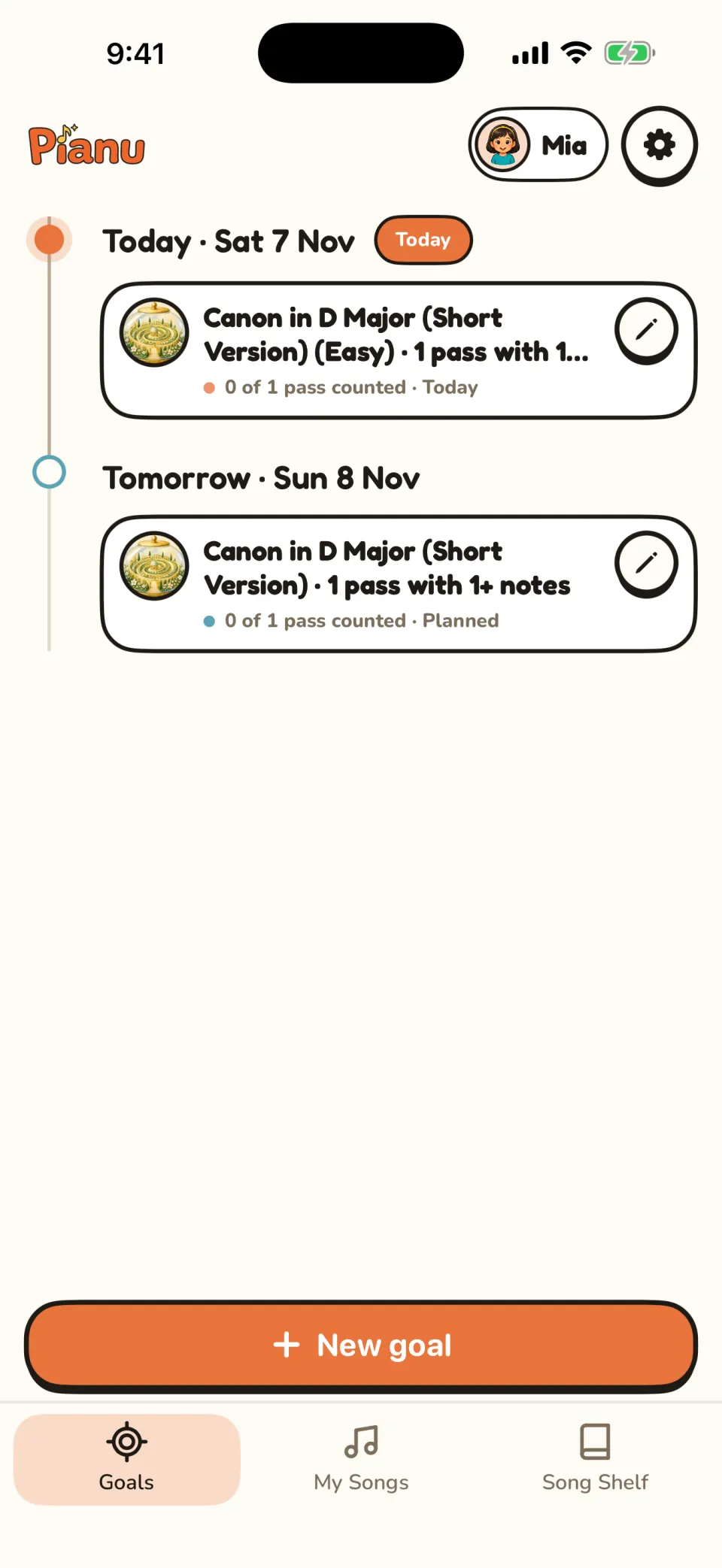
Set today's song or Training goal from iPhone. Your child sees it on iPad.
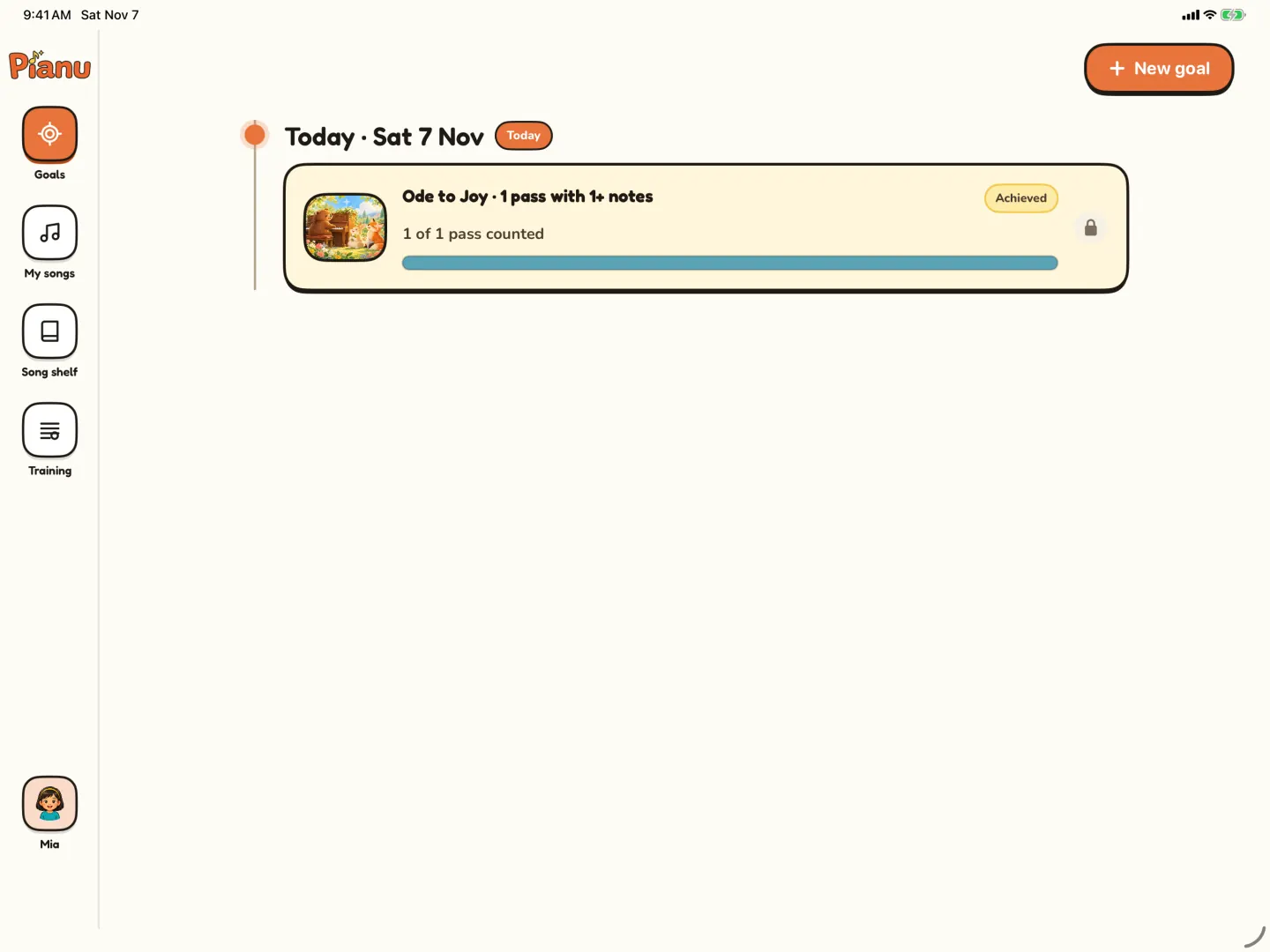
Up to 6 learners, each with their own songs, Goals and progress. Songs sync through iCloud.
Requires iOS or iPadOS 17 or later.
Try Pianu free for 7 days, then $6.99 a month or $59.99 a year.
Pianu Pro includes
Monthly
$6.99 / month
7 days free, then billed monthly.
Yearly · best value
$59.99 / year
7 days free, then billed yearly.
Prices shown for the United States. Regional prices and taxes can differ.
Start piano for kids at home with short, happy sessions, one simple song and a grown-up close by. You can begin on iPad keys before you buy a piano.
Scan the assigned page into a song, check the notes against the page, then practice a small part each day. The lesson becomes the plan for the week.
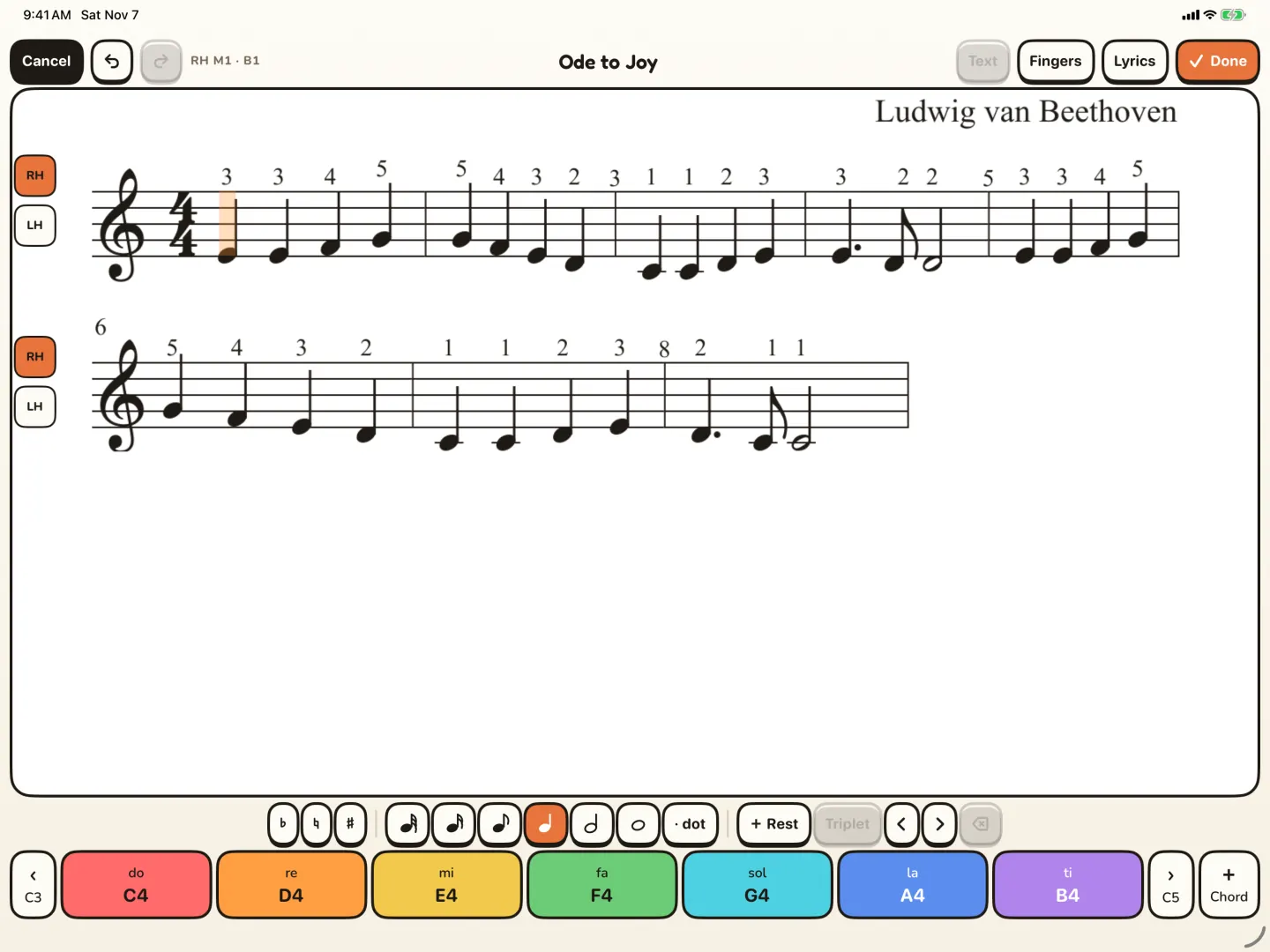
Take a photo of each printed page, and Pianu reads the notes into an editable song. Check it against the page and fix any wrong note in the editor.
Pianu is made for young learners, ages 4 to 7. A grown-up sets it up and plans on iPhone. The child plays on iPad.
Not to start. Use a USB or Bluetooth MIDI piano, or the on-screen keys on iPad. To set one up, read the MIDI piano guide.
No. Pianu does not detect acoustic piano notes through the microphone. Use a digital piano or keyboard with USB or Bluetooth MIDI, or the on-screen keys on iPad.
No. A scan is a starting point. Scans can contain errors, and Pianu does not promise to read handwriting or every page layout. Check and correct the notes before practice. Read how scanning works for the steps.
The subscription you chose, monthly or yearly, starts and renews unless you cancel it. To stop it, cancel in Settings > Apple Account > Subscriptions before the free days end.
