
A practice session on iPad
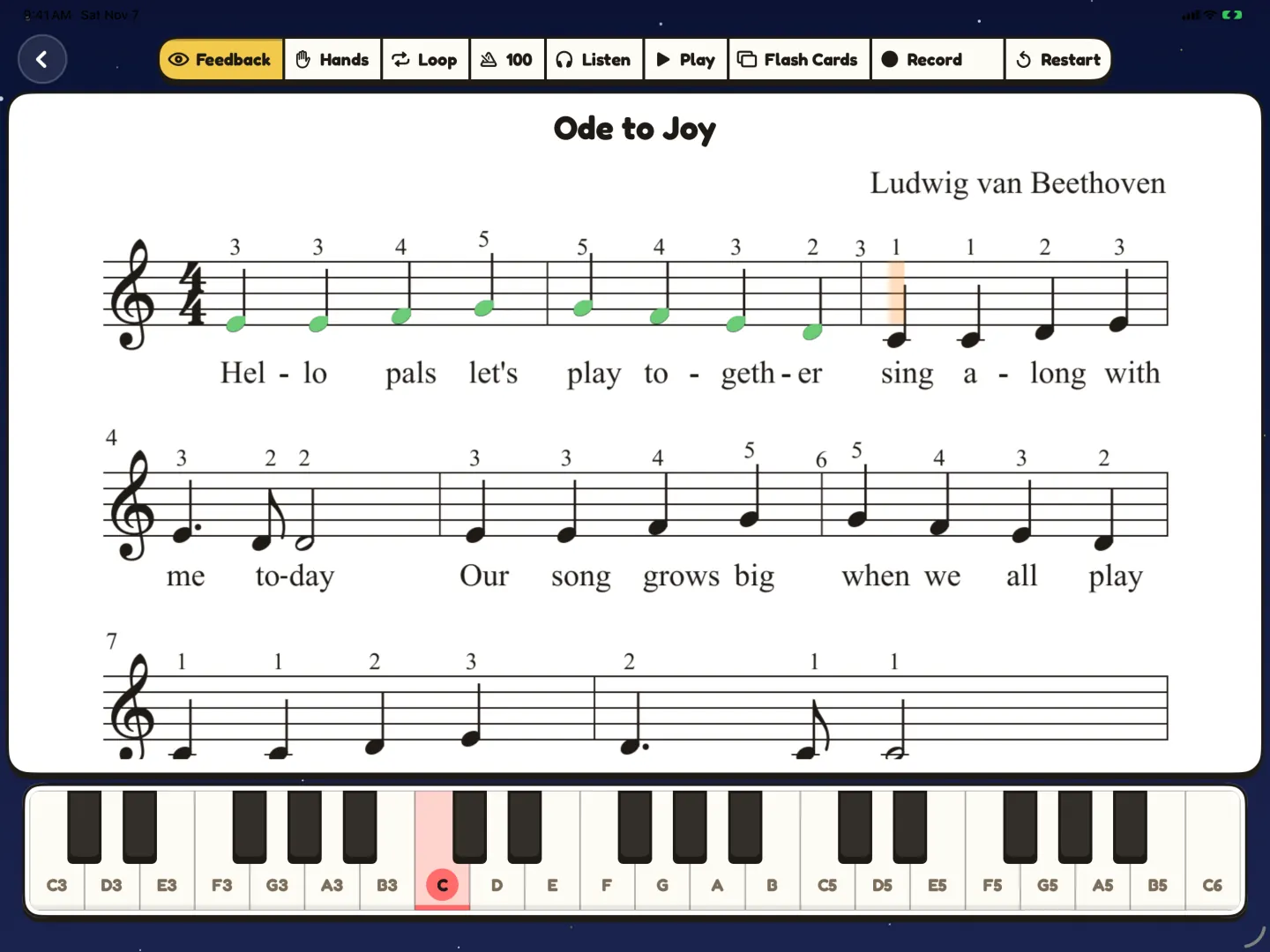
- Open the piece and listen to it, so your child hears the music first.
- Start Practice. The score waits for the right note.
- Loop a hard bar range. Slow the tempo.
- Practice one hand while Pianu plays the other.
- Play the full piece. You see feedback after each play.
Feedback after a play
After a play, Pianu gives feedback on the notes, the rhythm and the dynamics.
Record a take
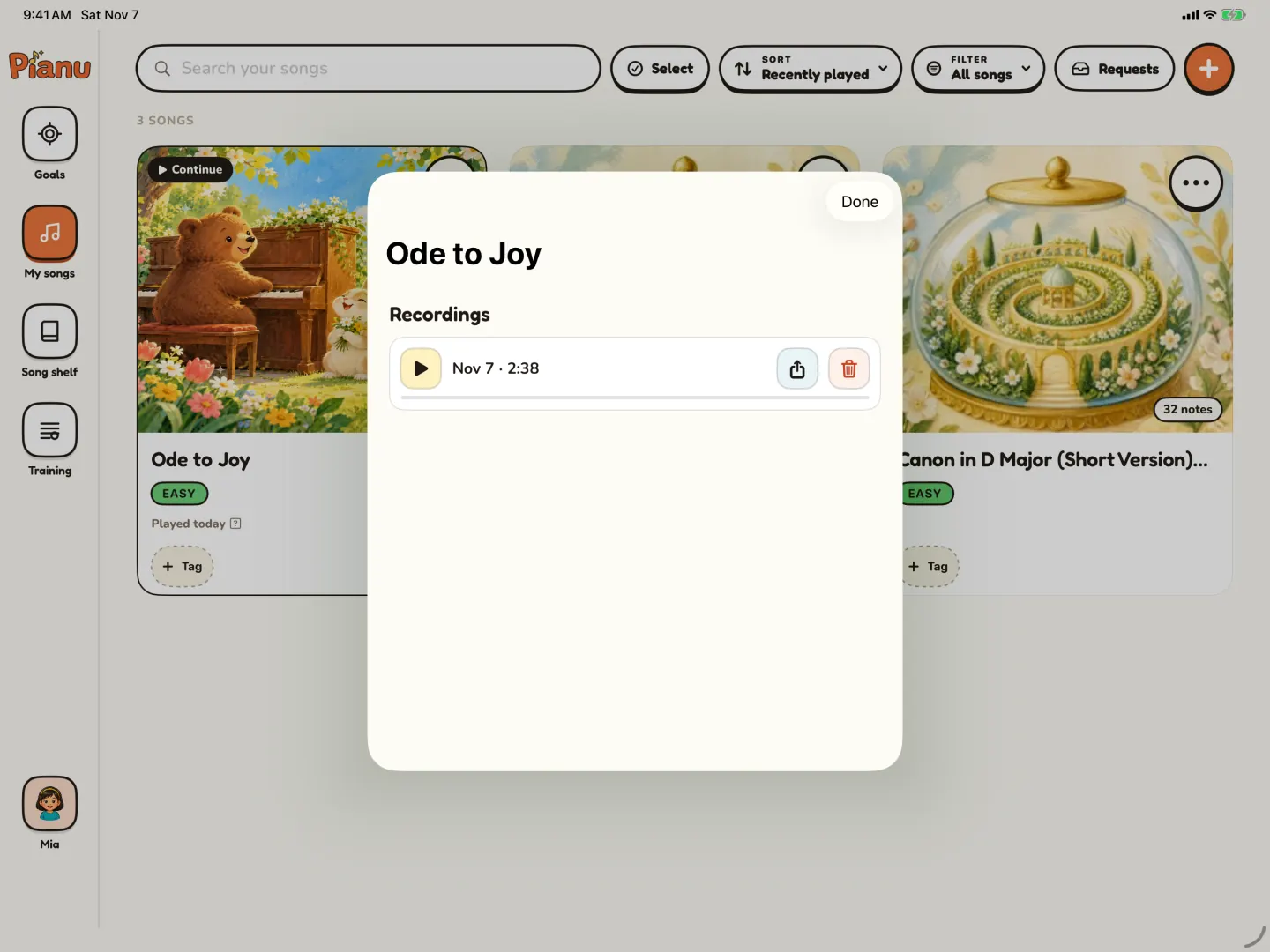
Save a take, play it back, and share it.
Flash cards from the song
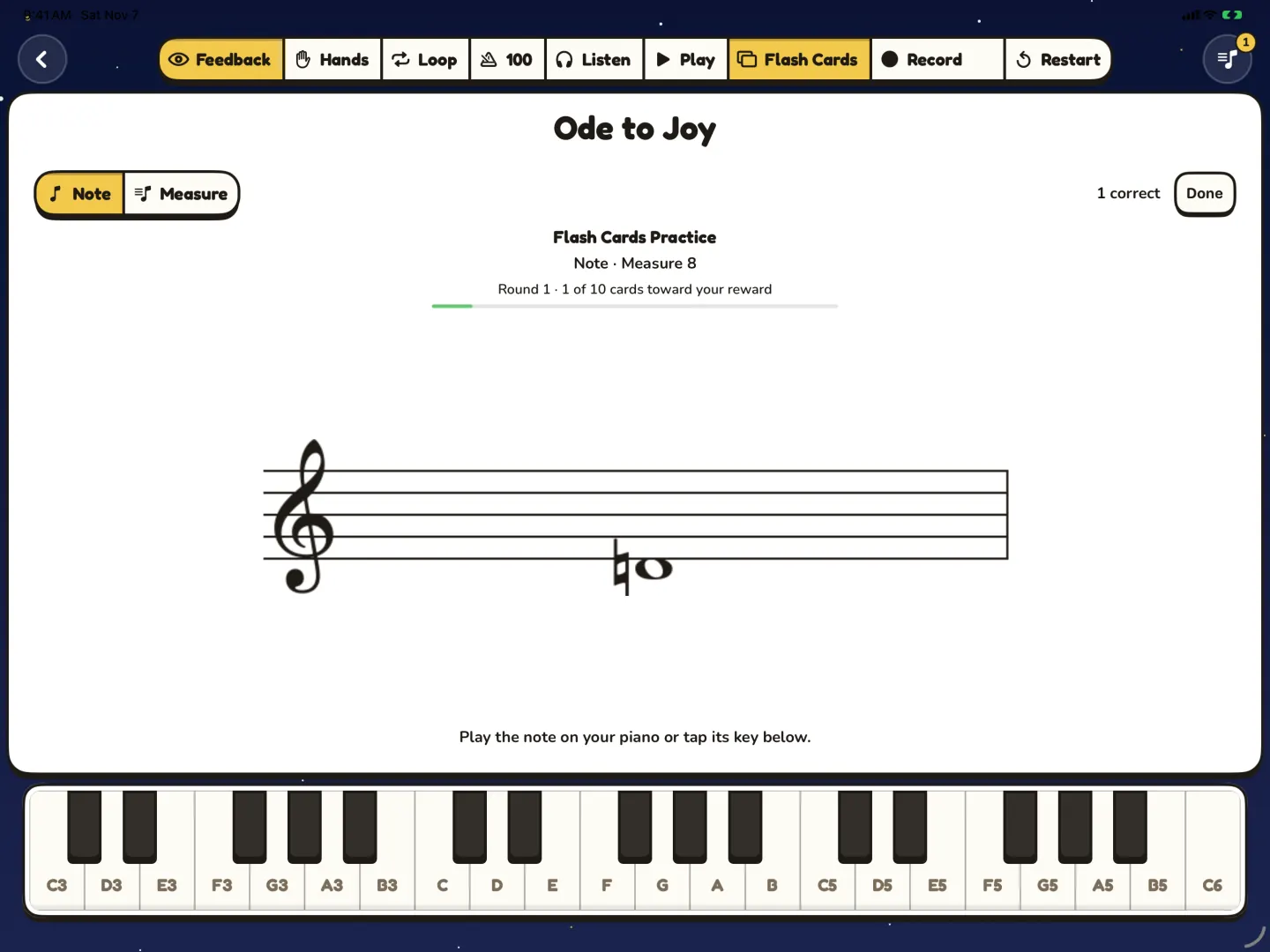
Flash cards are made from the song's own notes and bars. Your child finds the right keys. There is no timer.
Training
Sight Reading and Rhythm Reading are part of Training on iPad.
Start with the keys you have
Use a USB or Bluetooth MIDI piano, or the on-screen keys on iPad. Pianu does not detect acoustic piano notes through the microphone.
Practice on iPad. Plan on iPhone.
iPad · The music stand
Practice with MIDI or touch keys. Use Sight Reading and Rhythm Reading. View and edit scores.
iPhone · The parent companion
Manage My Songs and Song Shelf. Set Goals. View and edit scores.
Songs sync through iCloud. Requires iOS or iPadOS 17 or later. Practice and Training run on iPad.
Questions parents ask
What age is Pianu for?
Pianu is made for young learners, ages 4 to 7. A grown-up sets it up. The child plays on iPad.
Does my child need a piano?
Not to start. Use a USB or Bluetooth MIDI piano, or the on-screen keys on iPad.
Can my child practice one hand?
Yes. Your child plays one hand while Pianu plays the other.
Can my child practice only the hard bars?
Yes. Loop a bar range and slow the tempo.
Read more on the blog
Keep exploring
Try Pianu free for 7 days.
Download on the App StoreBy the Pianu team · Reviewed .