
For most children, a piano book and a piano app help in different ways, so you do not have to choose one. A lesson book, with a teacher, gives the path: which piece comes next and why. An app can help with the daily practice of those pieces at home. This guide compares the two fairly, and shows how Pianu works with your child's lesson book.
What does a lesson book do well?
A lesson book is a plan made by music teachers. It brings in one new idea at a time, in an order that makes sense: a new note, a new rhythm, a new hand position. Each piece gets a little harder than the last.
A book also has strengths of its own:
- It needs no screen, no battery and no setup.
- Your child learns to read from paper, which is what they will see at lessons and in most printed music.
- The teacher and your child look at the same page.
- Many children like to turn the pages and see how far they have come.
For a young child, the book and the teacher together are a strong start.
What can an app add at home?
Between lessons, a child practices alone or with a parent who may not read music. That is where an app can help. It can show the music, react to what the child plays, and give tools for the hard places.
Apps differ a lot, so this guide does not compare apps with each other. Here is what Pianu adds to practice at home:
- The score waits for the right note. A wrong note shows on the screen, but there is no penalty.
- Your child can loop a bar range, slow the tempo, or play one hand while Pianu plays the other.
- After a play, there is feedback on the notes, the rhythm and the dynamics.
- A grown-up who does not read music can still see the notes played right turn green.
How do a book and Pianu compare?
| Question | Lesson book | Pianu on iPad |
|---|---|---|
| Who chooses the next piece? | The book and the teacher | You and the teacher. Pianu practices the page you scan. |
| What does it need? | The book and a piano or keyboard | iPad with iPadOS 17 or later, and on-screen keys or a USB or Bluetooth MIDI keyboard |
| What if a note is wrong? | The teacher at the lesson, or a grown-up at home | The score waits for the right note, with no penalty |
| What about a hard bar? | Repeat it, often with a pencil mark | Loop the bar, slow the tempo, or practice one hand while Pianu plays the other |
| How does a child hear the piece? | The teacher plays it at the lesson | Listen to the piece before your child plays |
| Is there screen time? | No | Yes, on iPad |
| What does it cost? | The price of the book | Pianu Pro, after 7 days free |
Neither column wins every row. The book is simple and needs nothing else. Pianu gives help between lessons, but needs an iPad and a subscription. Many families use both: the book for the plan, Pianu for the daily practice.
How do we use Pianu with the lesson book?
The idea is simple: the piece the teacher assigned in the book becomes the song your child practices in Pianu.
- At the lesson, note which page and which piece the teacher assigned.
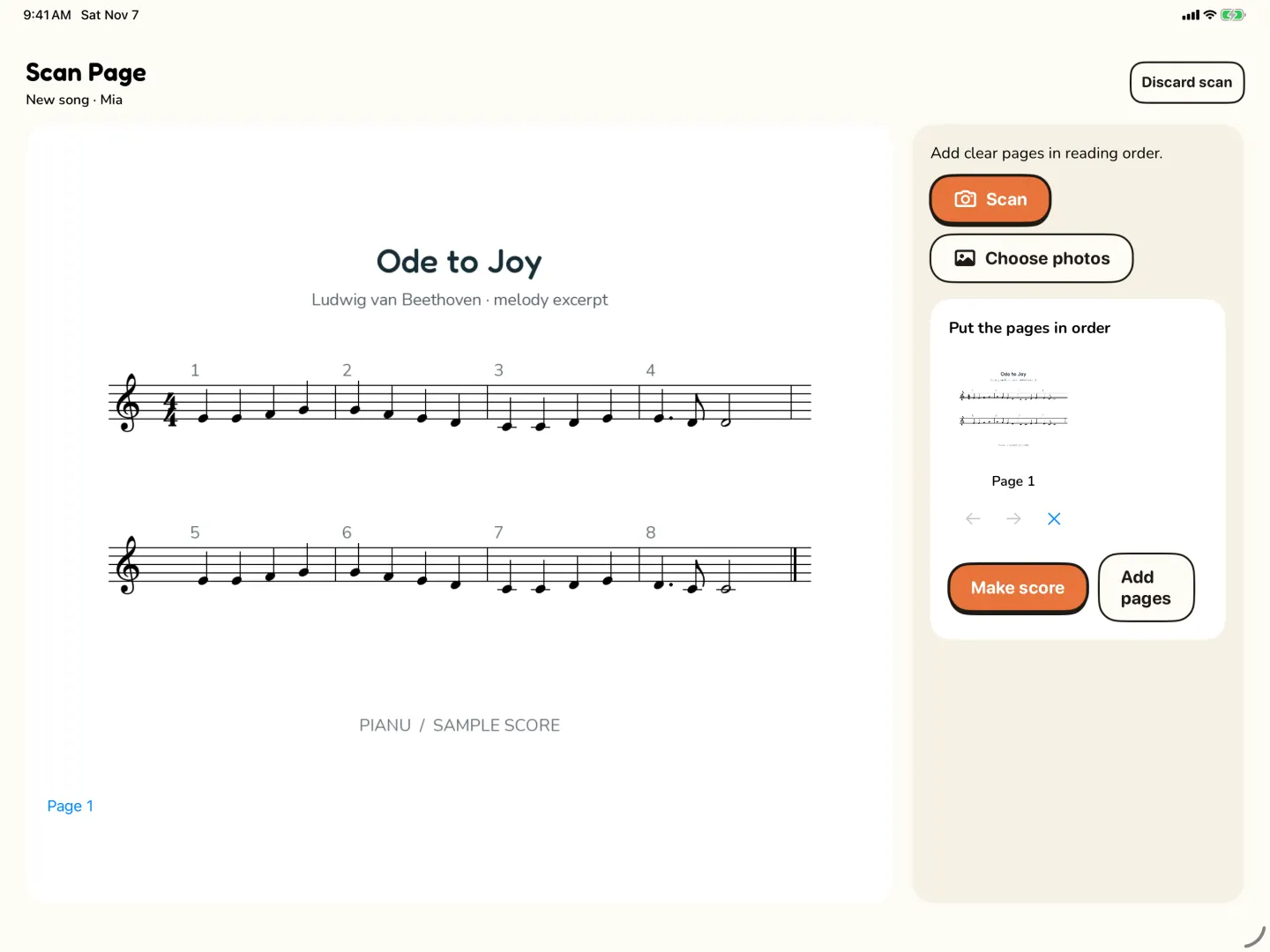
- At home, take a photo of the page in Scan Page. For a piece on more than one page, add the pages in reading order.
- Keep using Pianu while it works. The result waits in Requests in My Songs.
- Check the song against the book, note by note, and correct any wrong note in the editor. Scans can contain errors.
- Practice the piece during the week in Pianu, a small part each day.
- Take the book to the next lesson, and play from the page for the teacher.
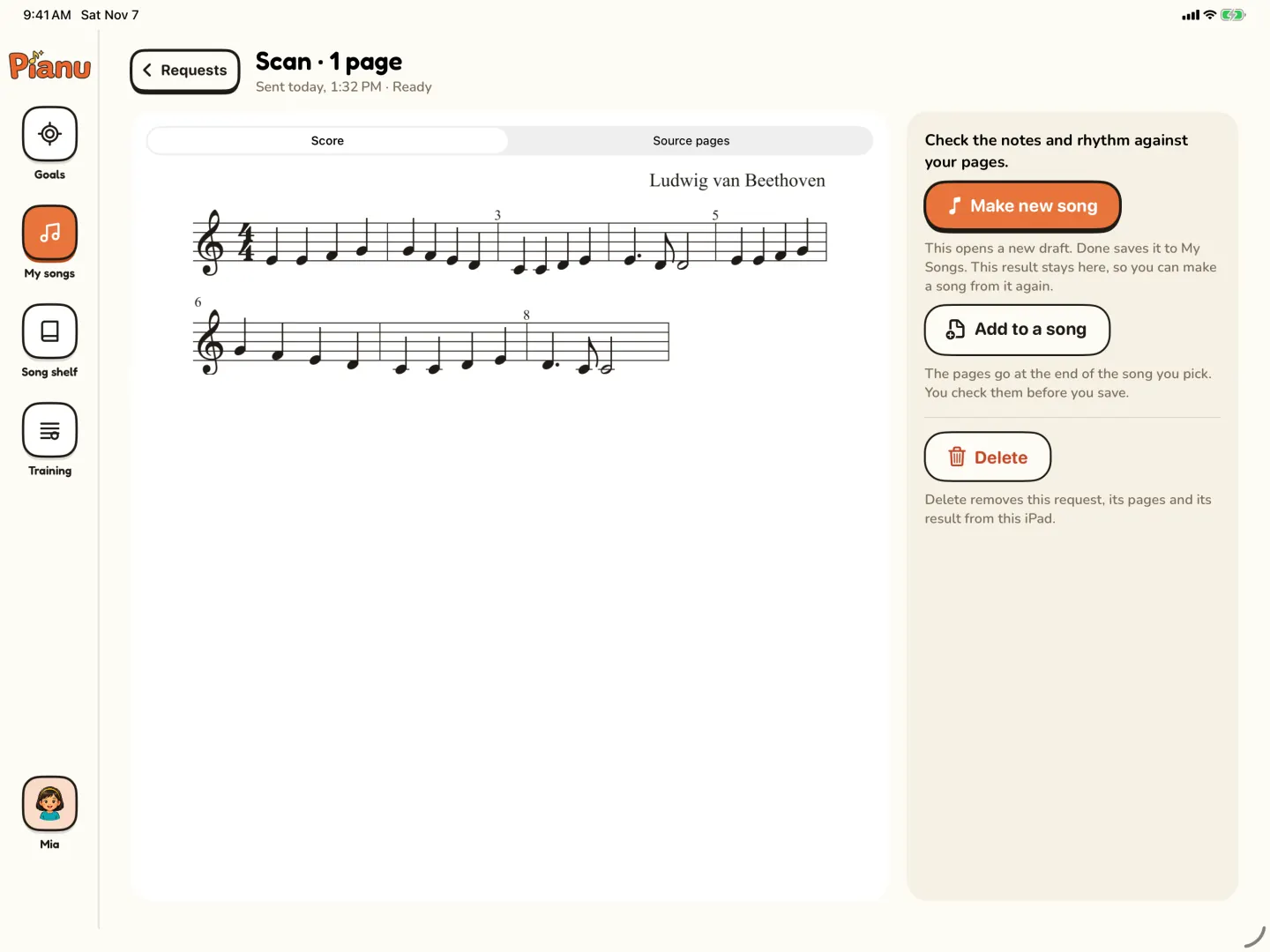
The picture at the top of this post shows a scan result in Requests, ready to make a new song. For the week plan after the scan, read how to practice the piece the piano teacher assigned.
What about the finger numbers in the book?
Many lesson books print finger numbers above the notes. Follow the book and the teacher first. Pianu can also suggest finger numbers for a song. They are suggestions: you review them and compare, then choose Use numbers or Keep original.
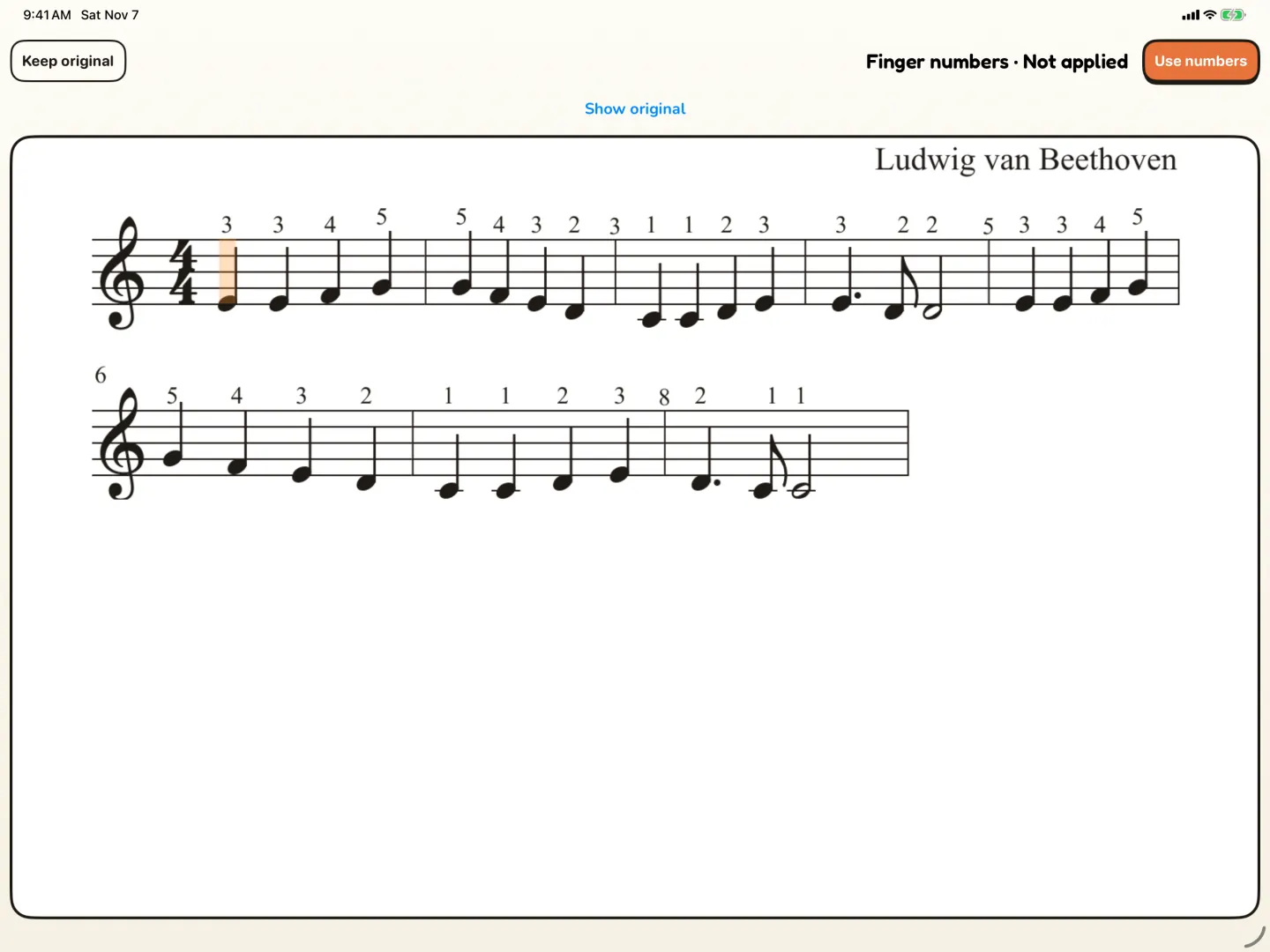
If the book and the suggestion do not agree, ask the teacher which one your child should use. For more about the numbers, read piano finger numbers for kids.
How do we keep the book in the routine?
An app is easy to like, so it helps to keep the book in view. A few ideas:
- Keep the book open on the music stand while your child practices on iPad.
- Before a new piece, look at it in the book together. Find the hard bar on paper first.
- Once a week, play the piece from the book, without the app.
- At the lesson, let your child play from the book, as the teacher expects.
This way, your child gets the help of the app at home and still learns to read from the printed page.
Read more about scanning sheet music to iPad.
Read more: Scan sheet music
Questions parents ask
Can an app replace the lesson book?
For most children, it works better as a partner. The book and the teacher give the order of what to learn. An app can help with the daily practice of those pieces.
My child has no teacher. Should we start with a book or an app?
Either can work. A beginner book gives a clear order of easy pieces. You can scan a page from it into Pianu and practice it there.
Will my child stop reading the printed page if we use an app?
Not if you keep the book in the routine. Compare the song with the book, and play from the book at the lesson.
How do I bring the book and the app together?
Scan the page the teacher assigned, check it against the book, and practice it in Pianu during the week. Take the book to the lesson.
Try Pianu free for 7 days.
Try free for 7 days